

Notion API: Explained
The API opens up a whole new world for Notion – allowing both its users and developers to build tools, integrations and applications that work closely with Notion. This is perfect for those looking to connect their other applications inside of Notion, and bring in useful connections for work and life.
What is the Public API?
So currently, the Notion API is out as a public .
In essence, the API allows developers and folks with coding skills to build integrations that connect with your Notion pages and databases.
Imagine very simply a way of connecting Google Calendar events with a Notion calendar database and for that to be updated instantly – the Notion API can give you that ability (yet to be created) and take you beyond just having to use the Notion built calendar.
There are ways to use the Notion API without coding skills, but they involve a middle ground tool like Zapier to help connect to existing services out there.
How to Build Your Own App
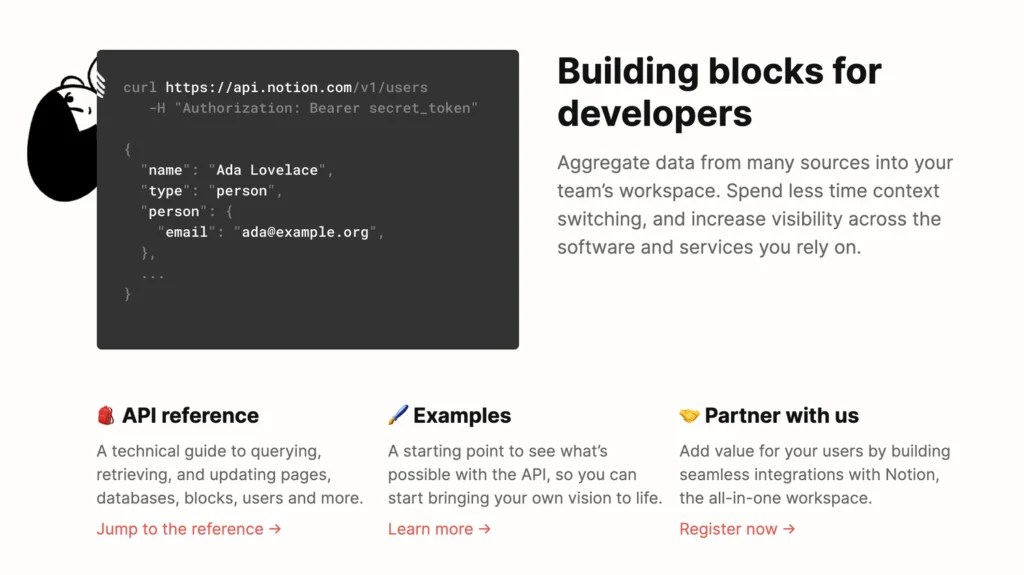
Notion have a page dedicated to developers – as they get started with the new Notion API.
There is an API reference, guides and also changelogs to help the developer to set this up.
This is going to be most common with popular applications that want to build some form of connection to Notion – for example, an ability to have your Todoist tasks automatically sync with a database could be something that the developer Doist would build.
The best place to start is heading to developer.notion.com.
How to Build Without Code
Zapier and Automate.IO seem to be the best ways to build no-code apps inside Notion.
Thomas Frank, YouTuber put out a brilliant guide on how to do this in this video below. This allows you to connect up over 200+ apps that are available.
The Notion API is a window into the future for Notion’s ecosystem and for those who have been yearning for ways to connect Notion to other applications they use, just the beginning.