
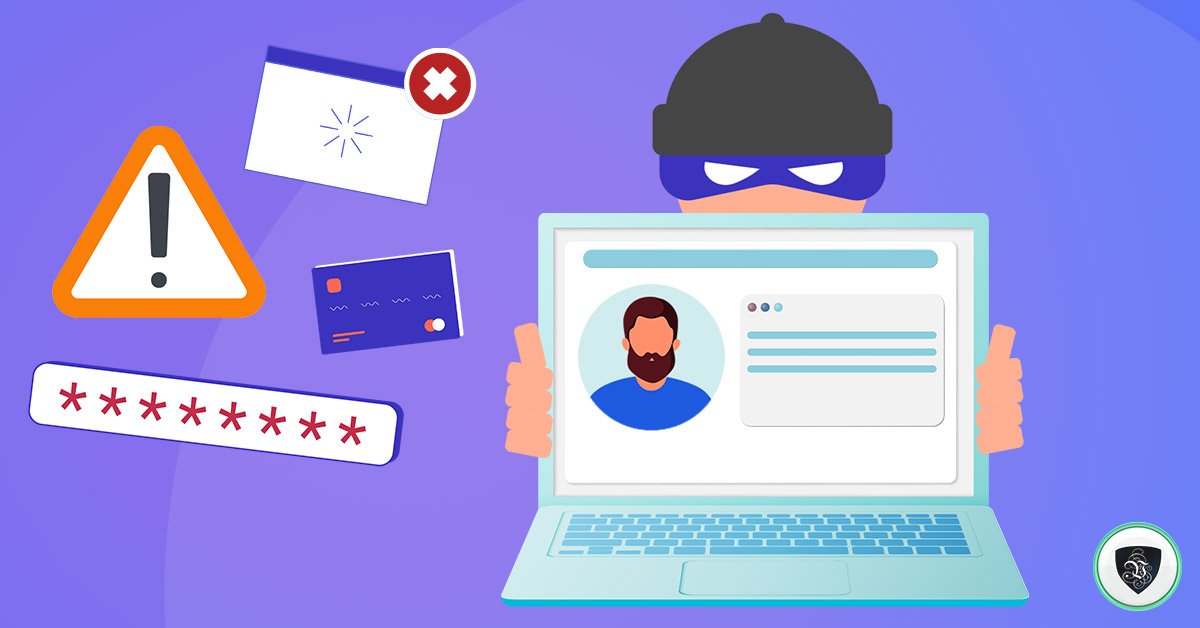
8 Remote Working Security Tips for Freelancers
Working remotely is amazing and comes with a ton of benefits. It doesn’t matter if you are a freelancer or run your own business from home, it is important that you implement remote working security tips.
While working remotely working comes with a lot of benefits and gives you more freedom than if you were working in an official work setting, it can also be dangerous if you aren’t careful?
What kind of dangers I’m I talking about? The biggest danger is losing your data to hackers, identity thieves and losing your data.
Big firms have security specialists who take care of all the risks for them, but since you work on your own you would need to this things by yourself. The good thing is that there are standard remote working security tips that you can implement on your own without any outside help.
These are some of the simple steps you can take to protect your assets and yourself right from your home:
Work on a Secure Network and Protect Your Identity
A lot of the laptops you would buy now would come with just a rudimentary anti-virus software that would just protect you from weak viruses. As a freelancer, that would not be sufficient for you.
Since you are most likely running your entire business from your home network, your security should be your highest priority. Not only would you be protecting your business, you would also be protecting your personal identity and those of your clients/business associates.
It is paramount that you follow the best security practices to protect your secure your network.

How can you do this?
1. Secure your home Wi-Fi network:
If your base of operation is your home, then make sure that your Wi-Fi is password protected. If your Wi-Fi is not secured with a password, anybody that is within range of the network can easily connect to your network.
If a hacker connects into your home network, it can be really destructive. You could end up losing all your data or having it corrupted.
Some people change their Wi-Fi passwords but forget to change the passwords on their routers. It is essential that you change the both of them.
Routers come with a default password that is printed at the back of the device. If you don’t change it from the default password, anybody can log into your router and change your Wi-Fi password shutting you out from the network.
If you are wondering how to change the router password, check the instruction manual that would come with the router for directions.
Another thing to note when setting passwords is to make sure is a strong one. Never use a birthday, or surname or best food. Those are the first guess people would try out.
Also mix up the password with letters, words and special signs. It would be harder for a hacker using a computer software to decrypt a password with different kinds of data inputs.
2. Follow Basic Identity Protection Rules:
There are certain rules that you should follow that helps to protect your identity. When running your business, there would be several software and applications you could use to run it. These applications and services would also need to be password protected.
Don’t ever use the same password for all these services or software. If you make use of just one password and it gets cracked, you would leave your business totally open.
Also, do not open any links that you see. You would receive a ton of spam emails with links. Do not open any links from emails or accounts that you aren’t expecting. Some of these links would redirect to sites that can clone your device and hack you.
It is also important that you perform regular anti-virus scans if you are making use of a PC. You can do a quick scan every two days and a full scan at lease once a week.
Prevent Data Loss
Your device is machine and can malfunction at times you wouldn’t even expect. If your laptop crashes or has a hardware failure, you can lose a ton of valuable information.
But if you have a secure backup in place that keeps critical data safe you wouldn’t have to worry so much. Even in the unfortunate times when there it is a hardware failure your business would not experience a drop in output and you would still be able to satisfy your clients.
3. Do Regular Backups
An external hard drive is an invaluable resource for anybody that works remotely. Connect the external hard-drive to your computer and do regular backups on it.
If you feel that you might forget to do these backups, there are software that you can download that would do these backups or you at a prescheduled time.
On the Mac, you can make use of Time machine. It’s an excellent tool to do your backups – it’s keeps the most recent version of every document on your system.
For Windows PC users, it comes with in-built facilities that takes care of this for you.
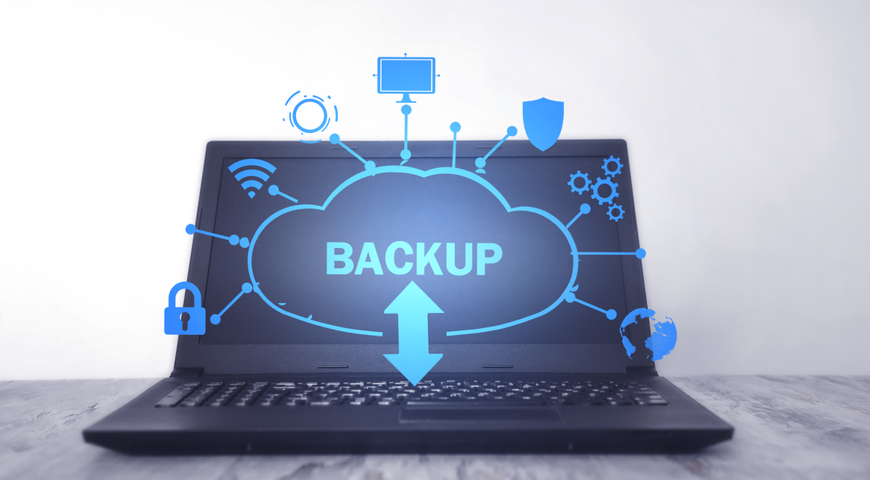
4. Make use of Cloud Storage
With the age of cloud computing, everything has become essentially easier. Saving files have become much more easier with cloud storage.
Cloud storage has two major advantages:
It serves as a backup when your computer or external driver fails. With clouds storage you always have a backup and it never breaks.
Another advantage is that you can work from anywhere by just logging into your cloud even if you are not with you main computer. This helps to improve your flexibility and productivity. With good cloud storage you can access your files from anywhere in the world
Some of the most popular cloud storage platforms are Dropbox, Microsoft Drive and One Drive.
5. Have another Backup Offsite
It is important that you don’t keep your backups all in the same roof. When you have an off-site backup, it protects you in case some thing happen to tell location of the hardware.
Catastrophic events like flooding or fire can occur that would cause a total loss of all the backup you have locally. Events like are this are out of your control, but you can take steps to limit the damage.
Keeping an extra hard drive would keep you safe in case something happens. Although they are online options like cloud storage that you save you from this unnecessary stress.
How to Keep Company Secrets Safe
Protecting the secrets of your business is important to ensure long term success. People want your services because of a certain reason. If these reasons become open, you can lose the edge that you have over to your competitors.
If you follow these remote working security tips, you can ensure that your business secrets do not enter into the wrong hands.
6. Make Use of a VPN
What is a VPN?
A VPN, or Virtual Private Network, allows you to create a secure connection to another network over the Internet. VPNs can be used to access region-restricted websites, shield your browsing activity from prying eyes on public Wi-Fi, and more.
Your internet connection might be secure, but without a VPN, your internet service provider and any other snooping party can see your internet traffic.
Even if you are using a public Wi-Fi, making use of VPN keeps network secure.
7. Your laptop should have a privacy screen.
This is very essential if you work a lot in public spaces. If you are working outside it is important that you keep your screen concealed from prying eyes.
A privacy screen is similar to screen protectors but with a key difference. If you place the laptop at certain angles, passerby’s would not be able to see what is going on your laptop screen. That way people won’t be able to see sensitive information on your computer without coming very close.
Most new laptops comes with a privacy screen, but it won’t hurt you if you get an extra filter. Don’t forget to get privacy screens for your phones and tablets also.
8. Encrypt your data
There is a possibility that you can get robbed and have your devices stolen from you. To prevent the thief from having access to these sensitive files, it is important that you encrypt them.
Both Windows and Mac computers come with software’s that allows you to encrypt the data on them. You can even encrypt any hard-drive that has been connected to the devices also.
Just remember that you would need to use a strong password always.
As technology improves you find more effective ways to secure yourself from cyber criminals. Just follow the remote working security tips in this article and you would be good to go.