
4 Inspirations for Your Notion Dashboard
Notion is becoming increasingly popular day by day.
The personal and team workspace software, Notion is impressing a lot of people combining many experiences like task management, calendars, boards, tables, note-taking and plenty more. But getting started on Notion is tricky for many professionals and casual users.
Notion is an open workspace, allowing you to create any type of tool by using “blocks”. It’s a little like getting a tub of lego and being asked to make a castle, followed by garage for your lego character’s car, using the same blocks.
It’s possible, just working out what to build and how to build it tends to be the Notion rookies biggest question. So Notion is like lego. The most popular question I get the most when advising on first-time Notion users is:
How can I make a dashboard to host all of my pages in Notion?
Once you’ve set-up your Notion and have understood what it’s all about. Making a friendly home for all your work is a magical bonus of using Notion.
The Notion dashboard doesn’t have to be the same on each account.
You can express yourself here with all the things that matter in your life. When I started, I created a dashboard that expressed my interests and a workspace for me to manage projects, organize items and plan ahead.
That has slowly evolved, as with your Notion account.
1. Notion Pages
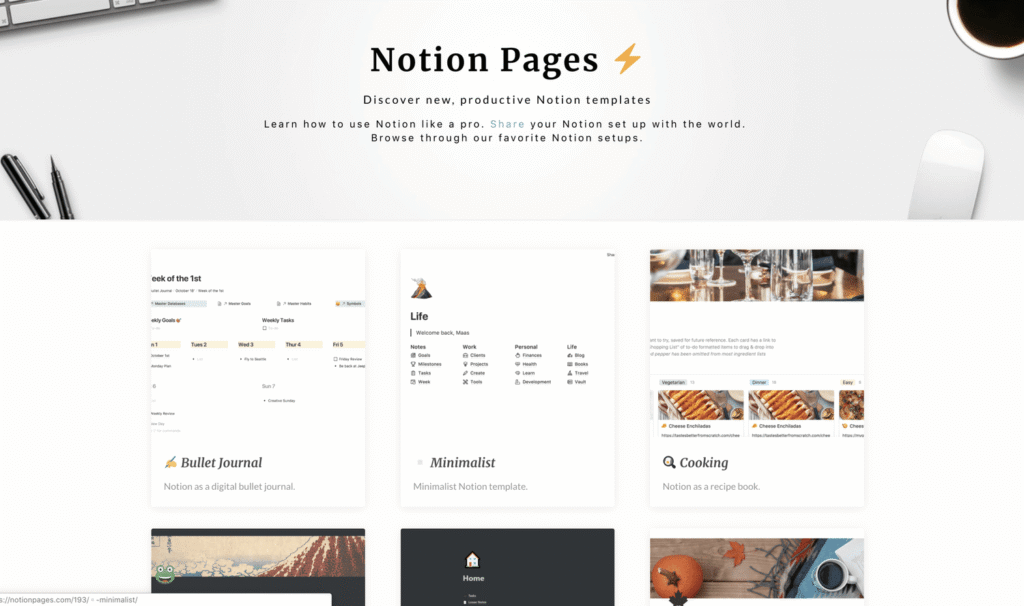
One of the best ways to inspire yourself, as you get started, is through others. Notion Pages is the perfect, ever-growing resource for that. Explore the Notion layouts on Notion Templates here.
2. Ask Others on Facebook
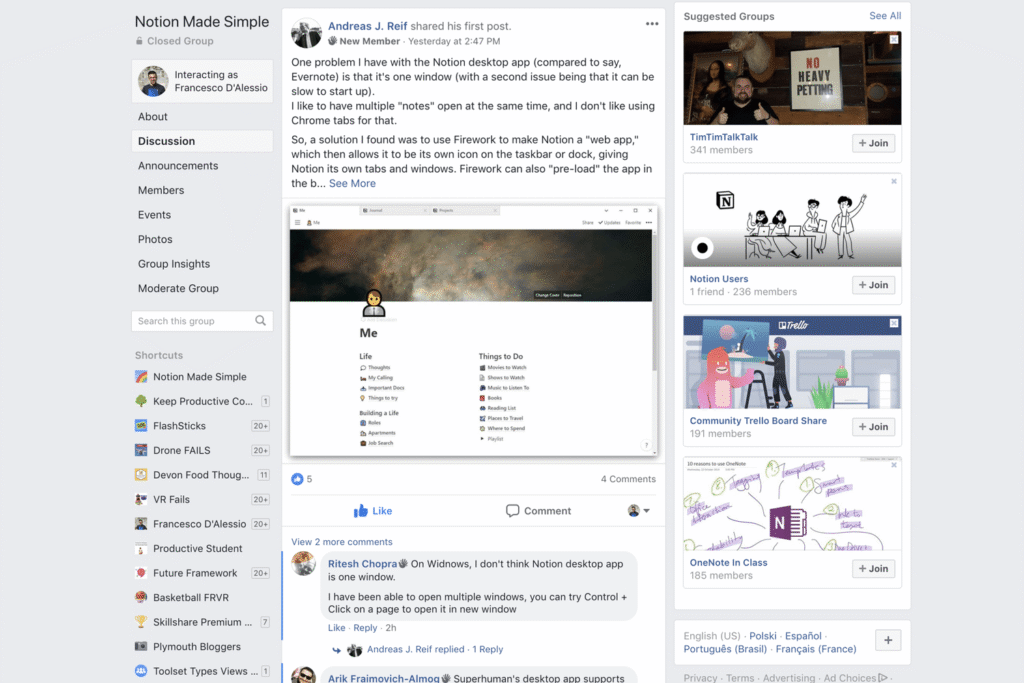
Since Notion launched, I’ve had 3 major dashboard designs. David Pierce inspired one of the biggest changes after seeing his account. It’s worth asking people how you can set-up your account, without spending too much time on it.
3. X Search
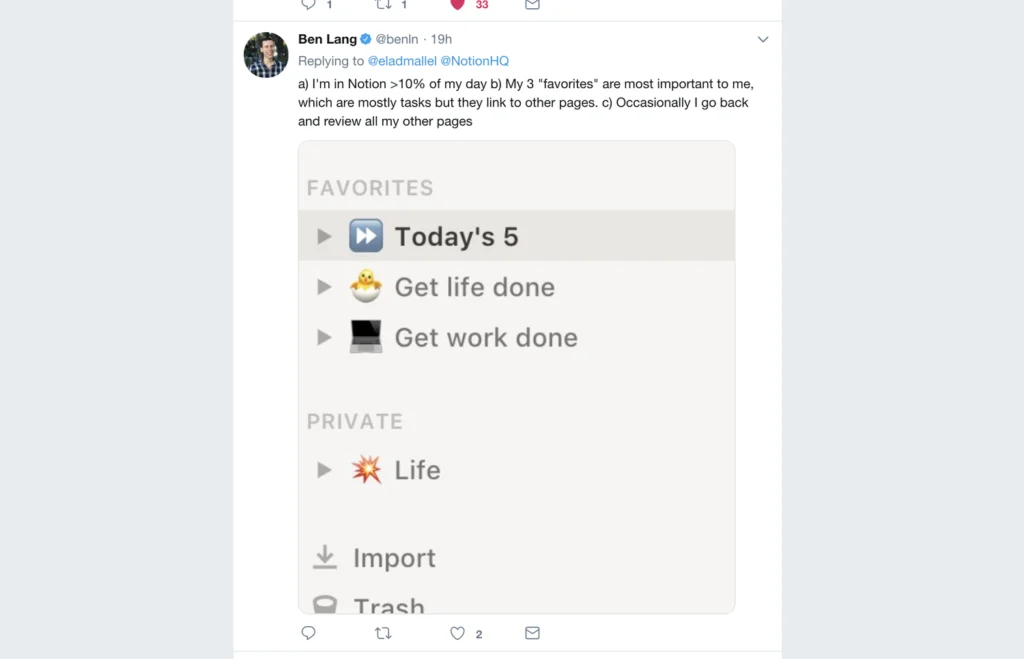
Finding what others use as their Notion homepage can really help and X is a resource for that. It’s a tip but helps out for those who aren’t yet part of the group.
4. Notion Tutorials on YouTube
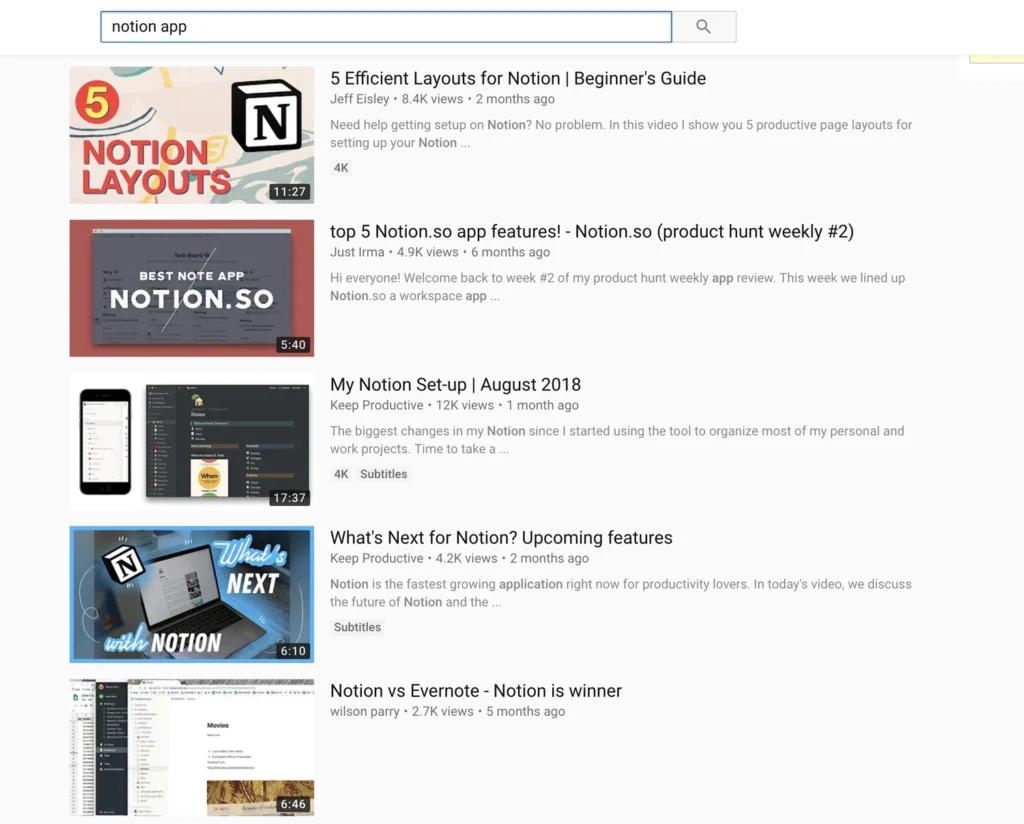
Notion tutorials and set-ups still exist. Let’s take Jeff Eisley in this case. He’s created an awesome 5 Notion layouts video, which now has a part two. Worth exploring Notion ion your YouTube search.