
Top 9 Calendar Apps
With so much going on, we need to use calendar applications to keep track. Because without having tasks, events or important dates added to a calendar, we all will (most likely) forget…
House-Keeping Notes
Here are the top 9 calendar applications, so you can start planning your year ahead, and NEVER forget a thing, ever again.
Using a calendar application is useful for planning your time, keeping track of appointments, and seeing how much free time, if any, you have.
The next 9 calendar applications have similar uses, but some different features. We go through each one with the following:
- 💰Price: How much does the app cost per month, and if there is a free trial?
- ✨ About the app: What is the main purpose of the app?
- 💭 What we think: Our opinion.
- ⚡️ Summary of features: What are some of the app’s best features?
1. Fantastical 4
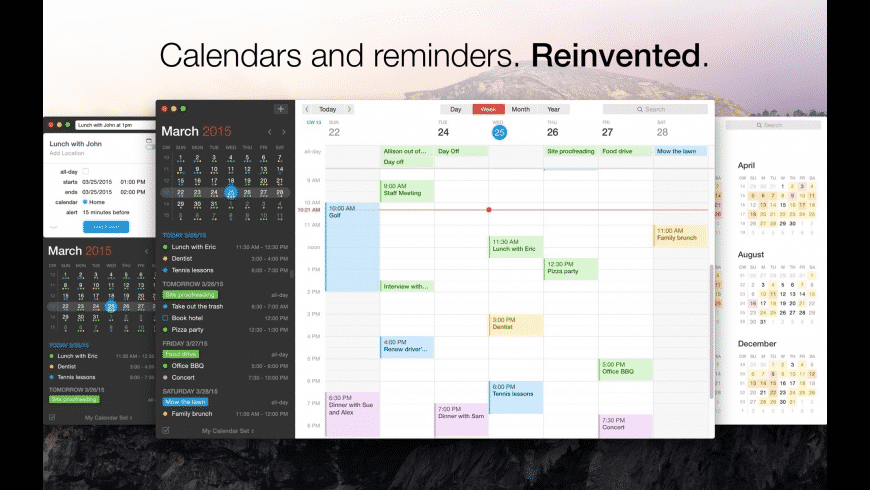
New features available on Fantastical.
💰Price: Free / Pro £4.99 (price per month)
✨ Fantastical 3 is a fantastic place to keep all your calendar events in one place, and in sync across all devices.
💭 Easy to use, iOS restricted.
⚡️ Available on iOS and Mac. Fantastical has a beautiful interface for all devices. Attach files and photos to calendar tasks to easily access when you need them. A range of views is available to see your calendar and events full screen, or on your apple watch. Create templates for recurring events, and add tasks to calendar events.
2. Morgen
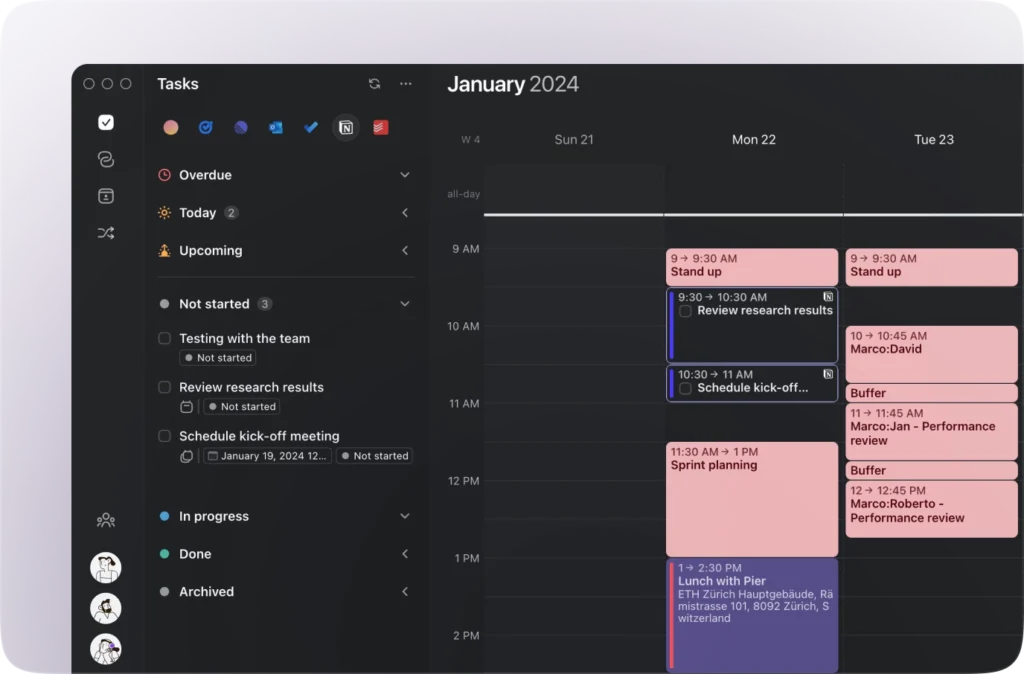
Morgen calendar review on our Youtube channel.
💰Price: Free / Personal – £5 / Pro – £11 (Price per month)
✨ Morgen integrates with all calendars, so you can schedule and plan your time all in one place.
💭 New, up and coming.
⚡️ Available on all devices. You can integrate and schedule your to-do lists, create calendar events, and even time blocks. Set up meetings within the app using booking pages and scheduling links, it kind of works like a chat messenger! Integrate with tons of other useful productivity apps.
3. Cron Calendar
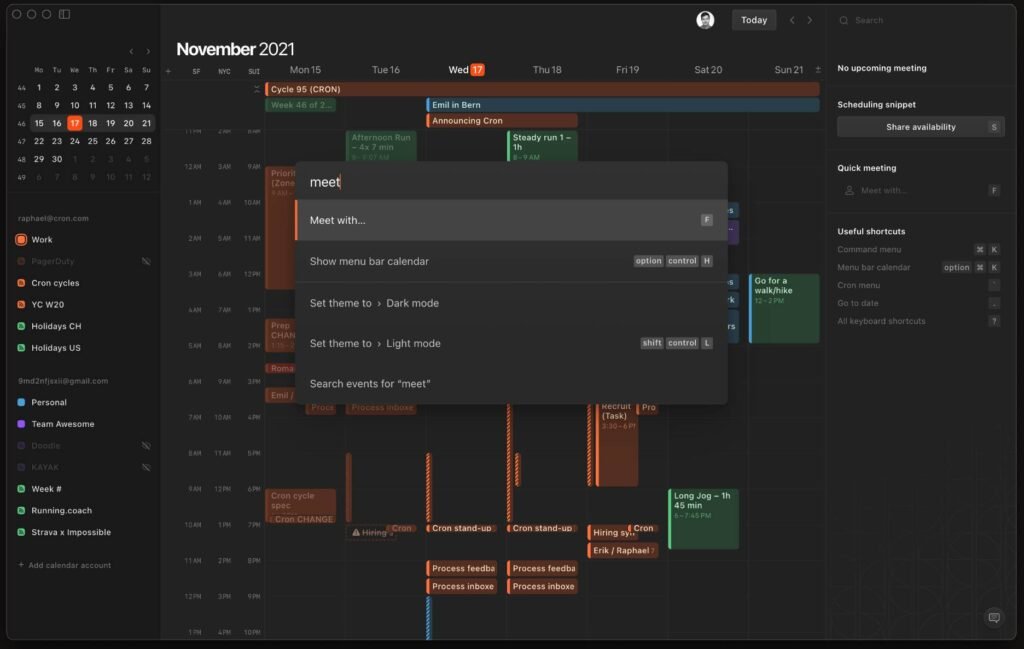
A review of Cron after using the application for 7 days.
💰Price: Free, request access to use.
✨ Cron has recently been acquired by Notion, meaning the applications will soon work together. For now, you can request access to download Cron, a calendar application to help organise your time.
💭 Early access, but Apple calendar meets beauty.
⚡️ Cron hasn’t created an application yet, you can enter your email address to receive a link to access the usage of Cron. It syncs with your current calendar, for example, Google Calendar. Make it easier to plan team meetings with availability sharing. Have a view of your team’s calendars. Use shortcuts, light/dark mode and more to create the experience you want.
4. Daybridge
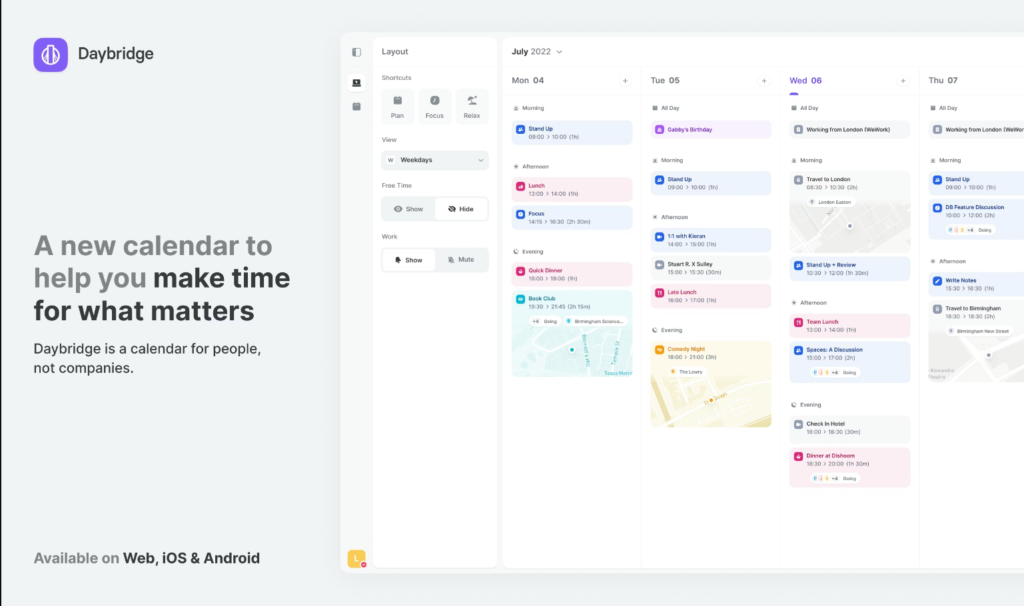
💰Price: Free (at the moment)
✨ Daybridge is a very visually pleasing calendar application, built for people, and not just for companies. Meaning individuals can find this application useful for more than meetings and projects.
💭 New, up and coming.
⚡️ Daybridge will be available for Android, iOS, Mac and on the web. They have made it easier for you to transition from your work calendar to your personal calendar, making sure you make the most of your personal time too. The application is still within testing, but at the moment Daybridge seems to be a very colourful, easy-to-use calendar application that will work for everyone.
5. Calendars 5
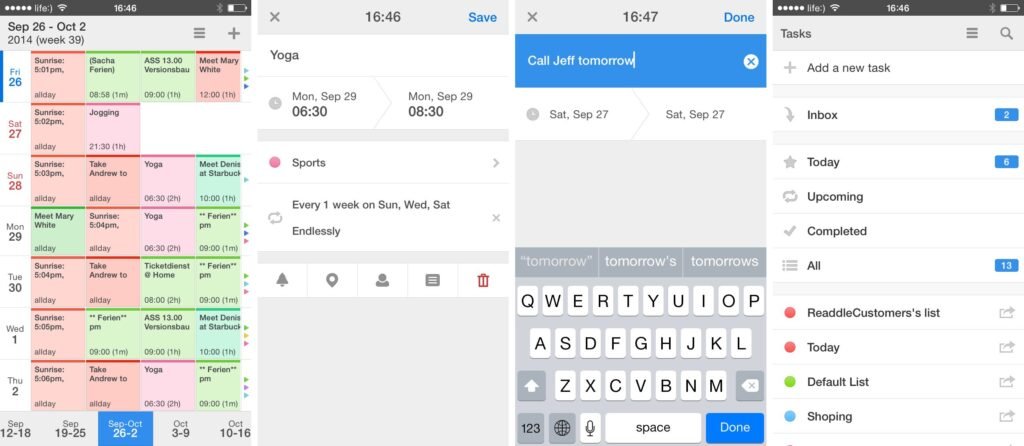
💰Price: $29.99
✨ Plan tasks, events, meetings and more with Calendars 5. This application works well on iOS devices and syncs with your current iPhone calendar.
💭 Added for Mac, developed by Readdle.
⚡️Available on iOS devices and Mac. Calendars 5 uses natural language input, so, just type something like “meet Sarah at the coffee shop on Friday”, and the app with create the event in your calendar. Built-in task manager to help organise, track and manage your tasks efficiently. Calendars 5 has a simple interface with no distractions. You can even use the application online and offline!
6. Timepage by Moleskine
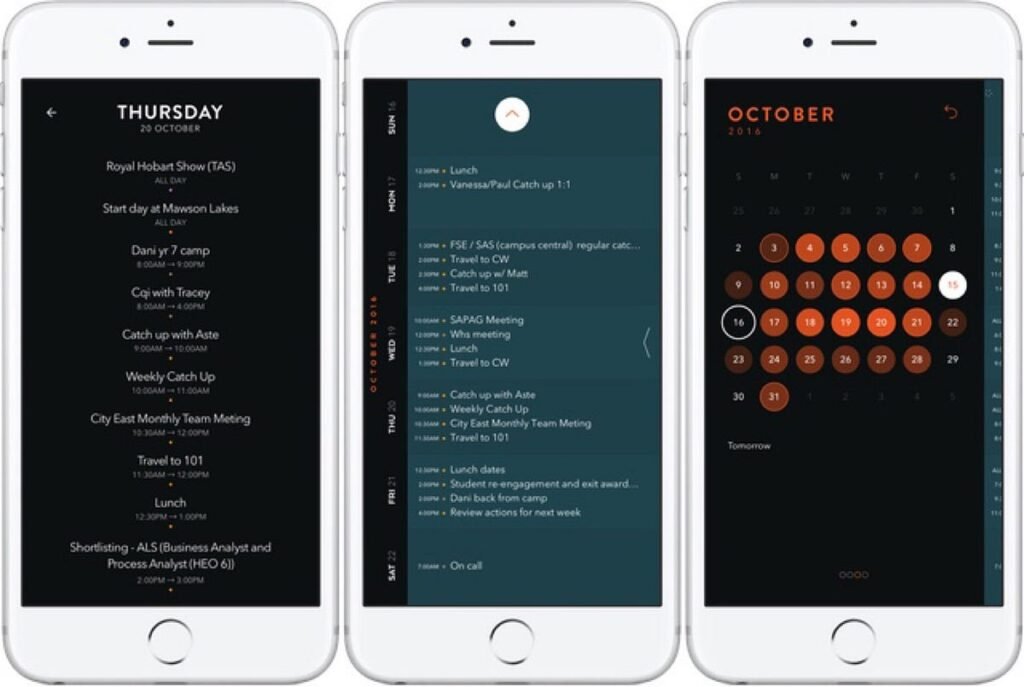
A Timepage by Moleskine review.
💰Price: Free / $2.99 (monthly membership) / Other in-app purchases.
✨ A beautiful customisable calendar application for organising your tasks, events and to-dos.
💭 Most beautiful for iOS.
⚡️Available on iOS devices and Mac! Customise your calendar view using different themes or light/dark modes. Uses time blocks to help visualise your day. Weather included so you know what to expect each day! Integrate with Apple Maps to add locations to events. Easy drag and drop to edit the schedule.
7. TimeTree
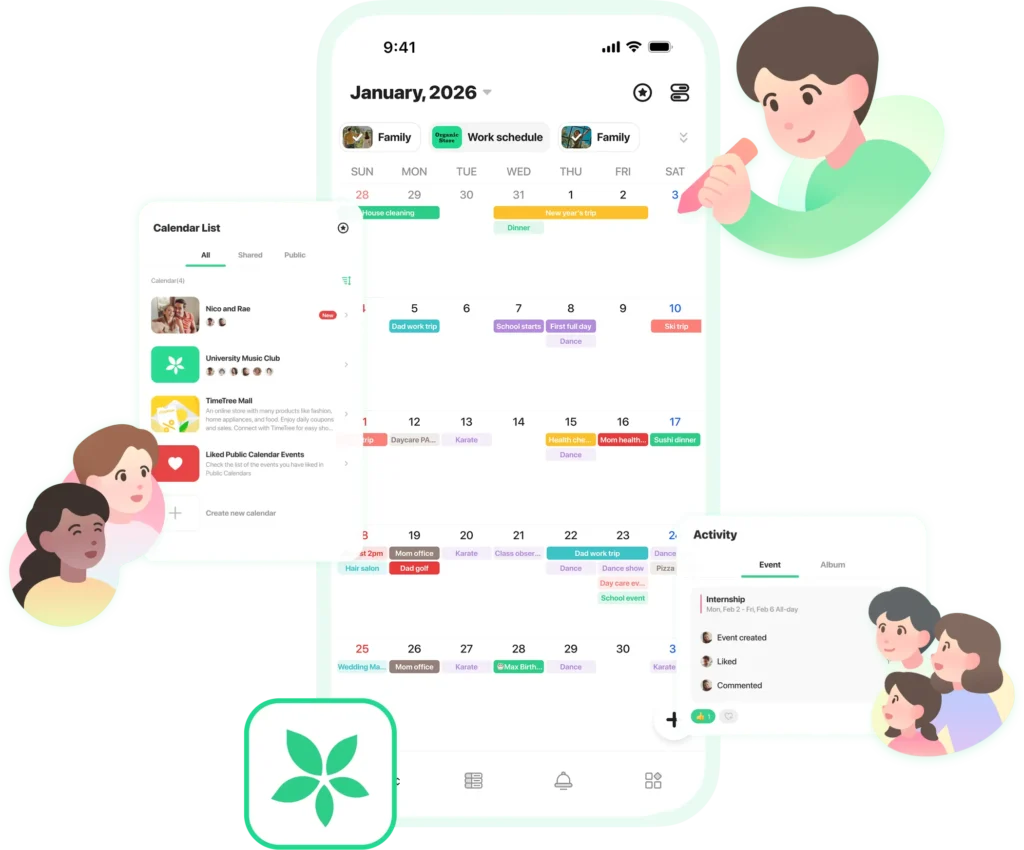
TimeTree calendar review on our Youtube channel.
💰Price: Free / Premium – $44.99
✨ TimeTree allows you to replace the paper calendar on your fridge, with an application to share with the family. Your, keep for yourself.
💭 A calendar for the whole family.
⚡️ Available on iOS and Android devices. Share and communicate tasks, events and plans within the TimeTree application. You and your family or friends can add updates and plan together with smart calendar sharing. Use memos to write down thoughts and ideas surrounding a task. Events are put into a timeline feed for everyone to see and communicate with.
8. Google Calendar
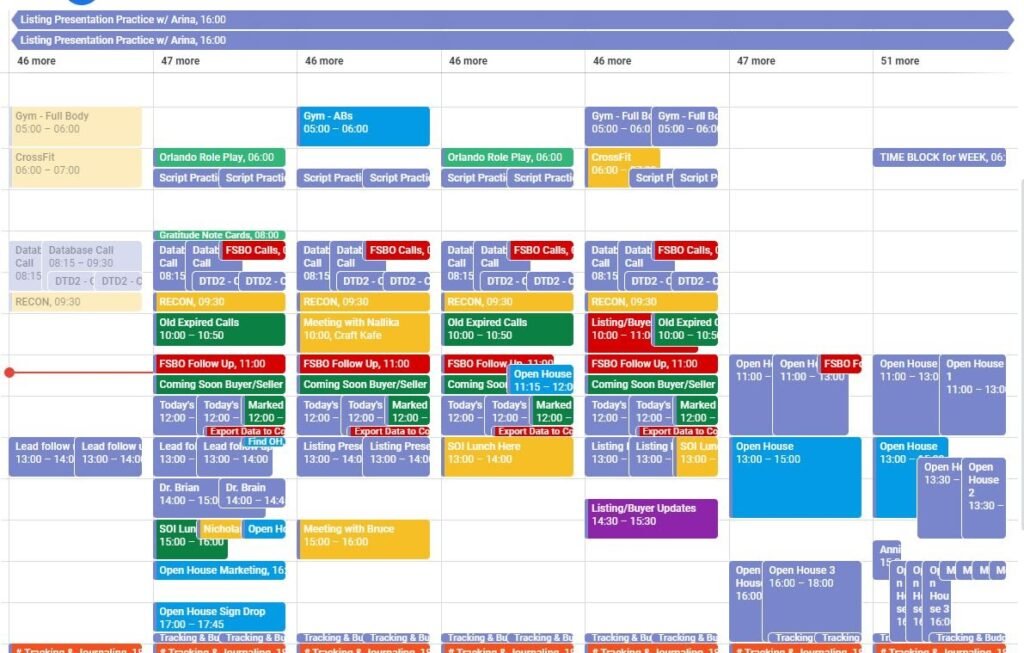
Google Calendar new features!
💰Price: Free!
✨ Google Calendar has a simple interface and is easy to use, it’s a great free way to quickly organise your day.
💭 Perfect for those in the Google Workspace.
⚡️ Available on Android and iOS. Events via email will be added to your calendar automatically, never miss anything important! Smart suggestions help you quickly create an event. The calendar is backed up online, so you never lose your tasks and events. Choose from multiple views to see your day, week or month.
9. Amie Calendar
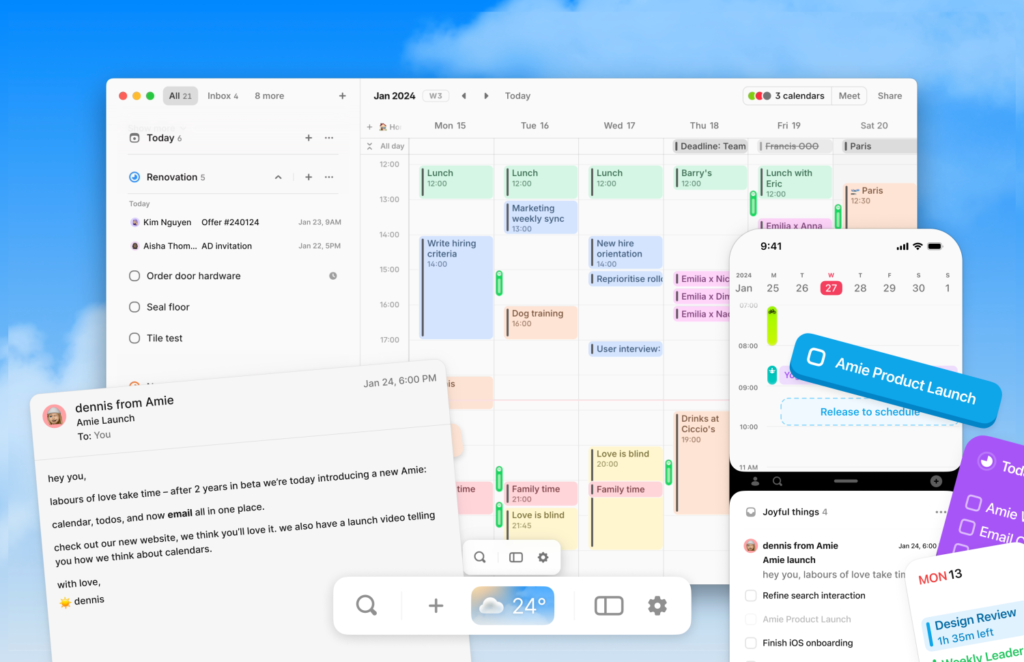
A quick look at Amie and its new features/appearance.
💰Price: Free / Professional – $10 (price per month)
✨ Amie is a place to create events, tasks, to-dos and notes. Have everything you need in one place to help organise your life, and remember events!
💭 A fun app to use to boost productivity and organise your day.
⚡️Amie is available on Google, Mac and Windows. You can gain access to download the Amie iOS mobile app once you have an account. Share your availability with your team, this makes it easier to organise meetings. Set reminders, keep notes, and use widgets for your phone! Use smart shortcuts to minimise time spent organising your days, weeks and months!
So, which application will you be using to organise your calendar? Let us know!