

12 Best Pomodoro Timers to Try
There are so many different tools out there that we combined with the Pomodoro Method, so many iOS, Android and Web Chrome extensions to try, but which one is the best Pomodoro timer and how do they all compare. Let’s explore!
The Pomodoro Method
First of all, let’s explore the Pomodoro Method.
The Pomodoro Method is a time management tool created by Francesco Cirillo in the 1980s to help boosting your productivity and channel more of what Cal Newport calls Deep Work.
In a nutshell, you set a timer (the original one was a tomato shaped kitchen timer, that’s why “Pomodoro”) for 25 minutes and do your focused uninterrupted work. After this time is over, you should take a 5-minute break and, after that, starting another Pomodoro cycle of 25+5 minutes.
You can continue this way for as long as you need. It’s also recommended, at some point, to take a longer break. Of course, you can use a very simple, analog, kitchen timer for your Pomodoros, but there are tons of great apps out there.
Here is our selection of 12 best Pomodoro apps to boost your productivity.
1. FocusBooster
Availability: iOS/Android/Mac/Windows/Web
Pricing: FREE (with in-app purchases of $2.99 – $4.99)
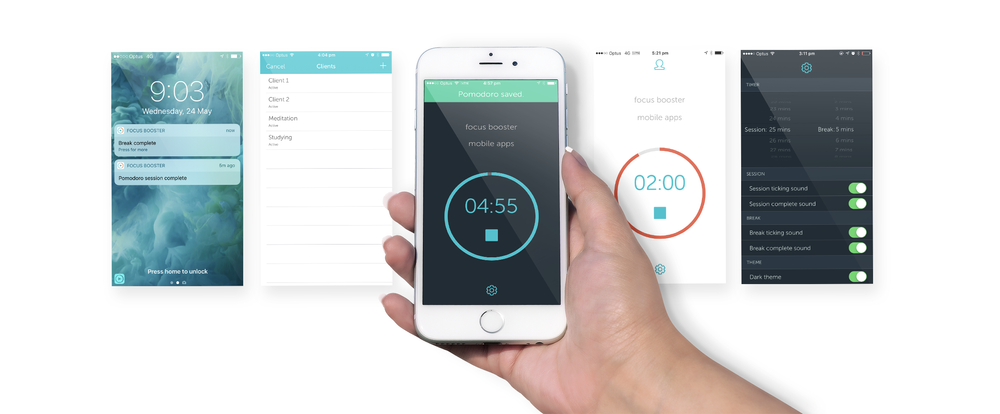
Standout Feature: The Timesheet feature allows you to automatically record your sessions and have a detailed dashboard. The free plan has a 20 sessions per limit.
Rating: 4/5
Best for: professionals
2. FocusKeeper
Availability: iOS-only
Pricing: $1.99
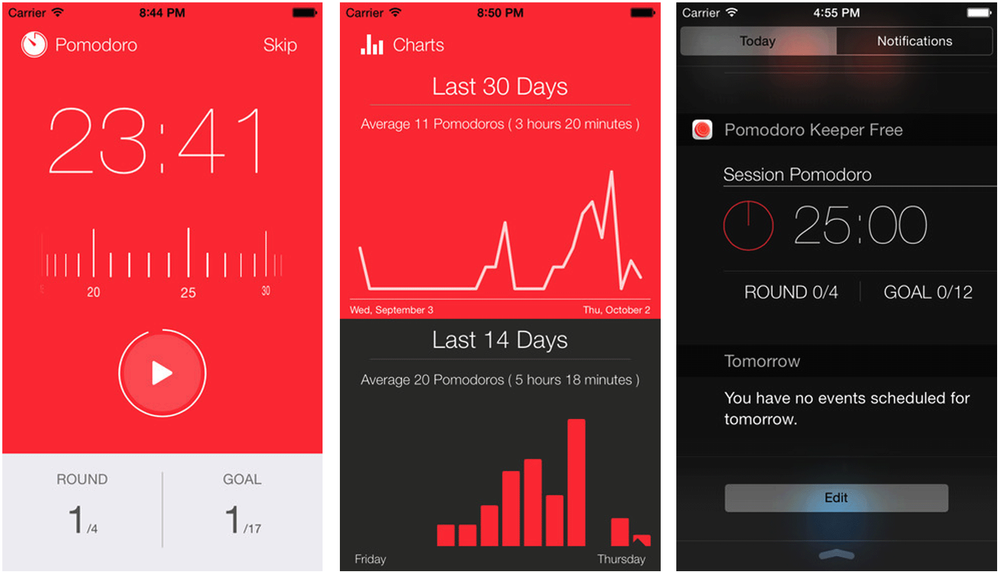
Special Feature: Great stats overview and analytics, the app allows many customization and allows you to set rounds and goals. Plus, notification centre access for tracking outside of your application.
Rating: 3/5
Best for: students, first-timers to the pomodoro timer
3. Pomello
Availability: Mac/Windows/Linux
Pricing: FREE (2$/m)
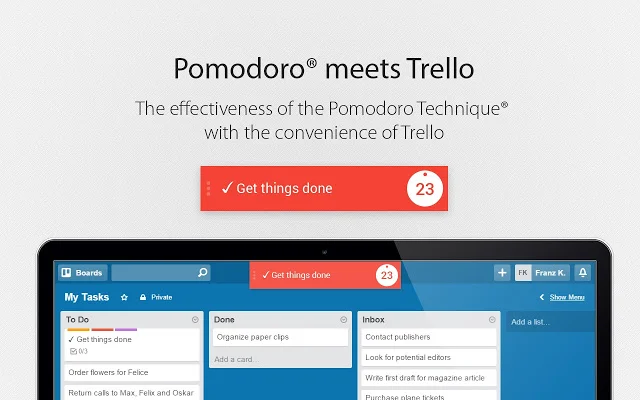
It directly connects to Trello and turns your cards in Pomodoro tasks.
Rating: 4/5
Best for: Trello users
4. Toggl
Availability: iOS/Android/Mac/Windows/Web
Pricing: FREE (9$ – 18$/m)
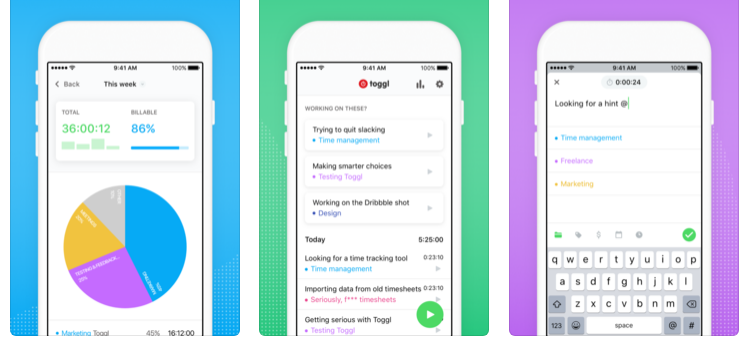
The Chrome extension is very simple and easy to start using the Pomodoro method. There is also a detailed dashboard with additional stats.
Rating: 3.5/5
Best for: beginners, professionals
5. Pomodone
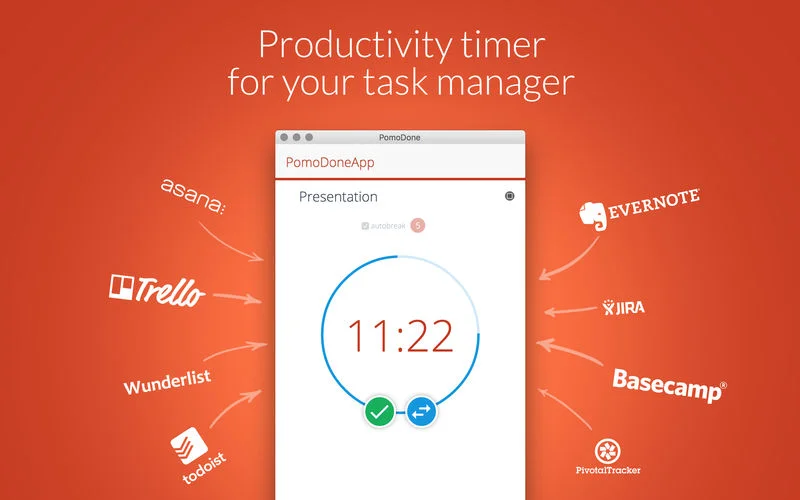
Availability: iOS/Android/Mac/Windows/Linux/Web
Pricing: 2.33$ – 4.09$ (additional plans for teams)
The app connects with your favorite task management app without having to create additional tasks.
Rating: 4/5
Best for: professionals, teams
6. Be Focused Pro
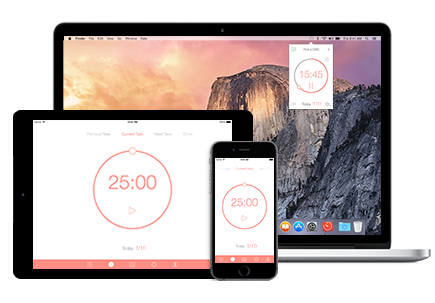
Availability: iOS/Mac
Pricing: 1.99$ – 4.99$
Simple and easy to use on Mac, it’s included in the SeatApp subscription.
Rating: 4.5/5
Best for: professionals
7. Pomodoro Tracker
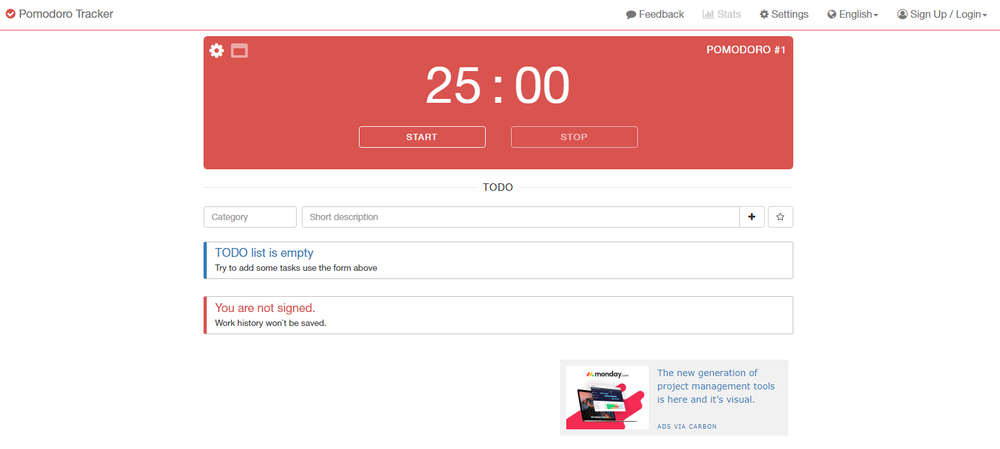
Availability: Web/Mac
Pricing: FREE (2.99$)
Simple and basic web experience. Perfect for getting started with the Pomodoro method.
Rating: 3/5
Best for: beginners
8. Clockwork Tomato
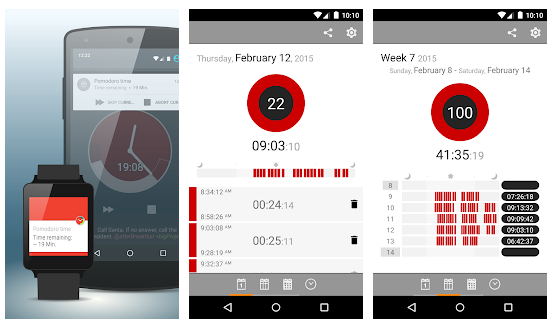
Availability: Android
Pricing: FREE
Quite old fashioned, but it has a many stats and a great timesheet experience.
Rating: 3/5
Best for: students
9. Tide
Availability: iOS/Android
Pricing: FREE
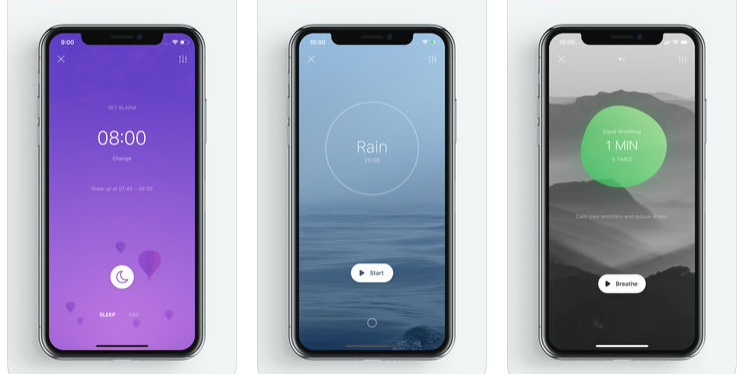
Beautiful design, very easy to use with additional white noise feature.
Rating: 4.5/5
Best for: students, beginners
10. Forest
Availability: iOS/Android/Web
Pricing: FREE (additional in-app purchases)
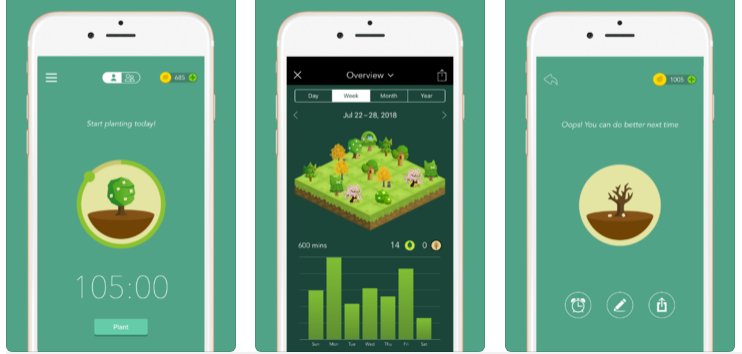
Helps you to keep focused on your work by planting a tree that will grow in the following time, the tree will be killed if you leave the app.
Rating: 4.5/5
Best for: students, beginners
11. Brain Focus
Availability: Android
Pricing: FREE (additional in-app purchases)
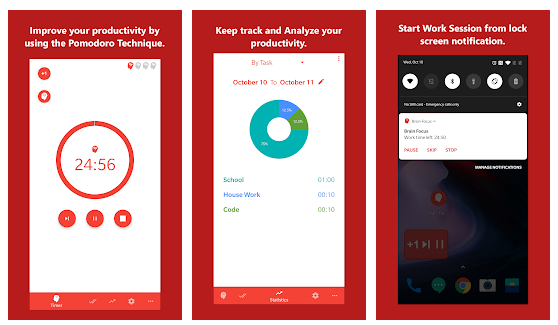
Simple interface and useful widgets. It allows you to track your time by project and categories.
Rating: 3/5
Best for: beginners
12. Bear Focus Timer
Availability: iOS
Pricing: 0.99$
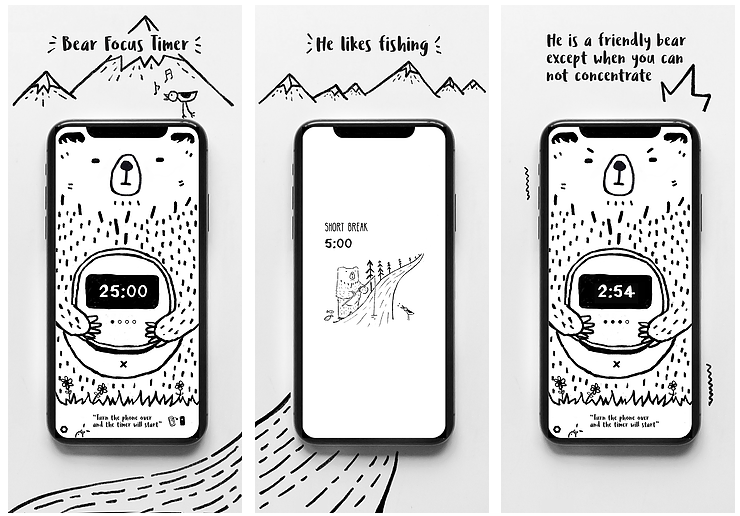
Playful black and white design for a simple but effective experience.
Rating: 4/5
Best for: students