
10 Gantt Project Management Applications
Here are 10 Gantt project management applications to help you and your team manage tasks, collaborate and achieve your goals.
What are Gantt charts?
Gantt charts are horizontal bar charts, mostly used within project management to show project progress, visualise details and keep track of how the project is going. They essentially show the timeline, or the story, of how a project is going to work.
The following applications are reviewed by their 📲 Availability, 💰 Price and ⚡️ Key Features.
1. Gantt Pro
📲 Availability: Mac, PC, iOS, Android.
💰 Pricing: $7.99, $12.99 or $19.99 per month, billed annually.
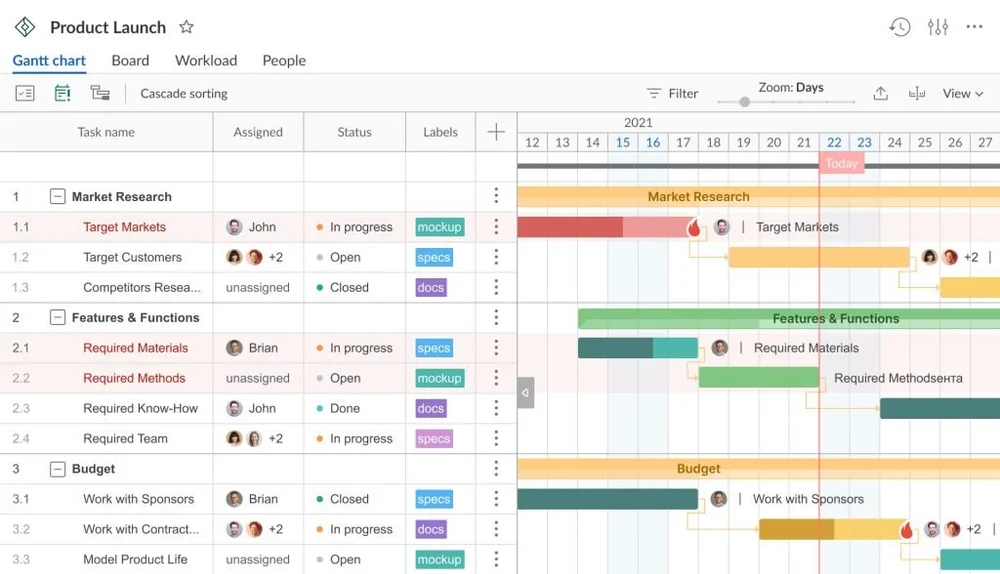
Gantt Pro is a well-known and highly recommended app to support project management and tasks. Its an attractive application with many benefits, including collaboration in real-time.
⚡️ Key Features:
- Priority – Set high to low priorities for tasks to see what needs to be done first.
- Deadlines – Gantt Pro will send notifications to those working on a task close to the deadline.
- Project Health – See the completed, unassigned and overdue tasks.
2. Team Gantt
📲 Availability: Mac, PC, iOS, Android.
💰 Pricing: $24, $59 or $99 per month.
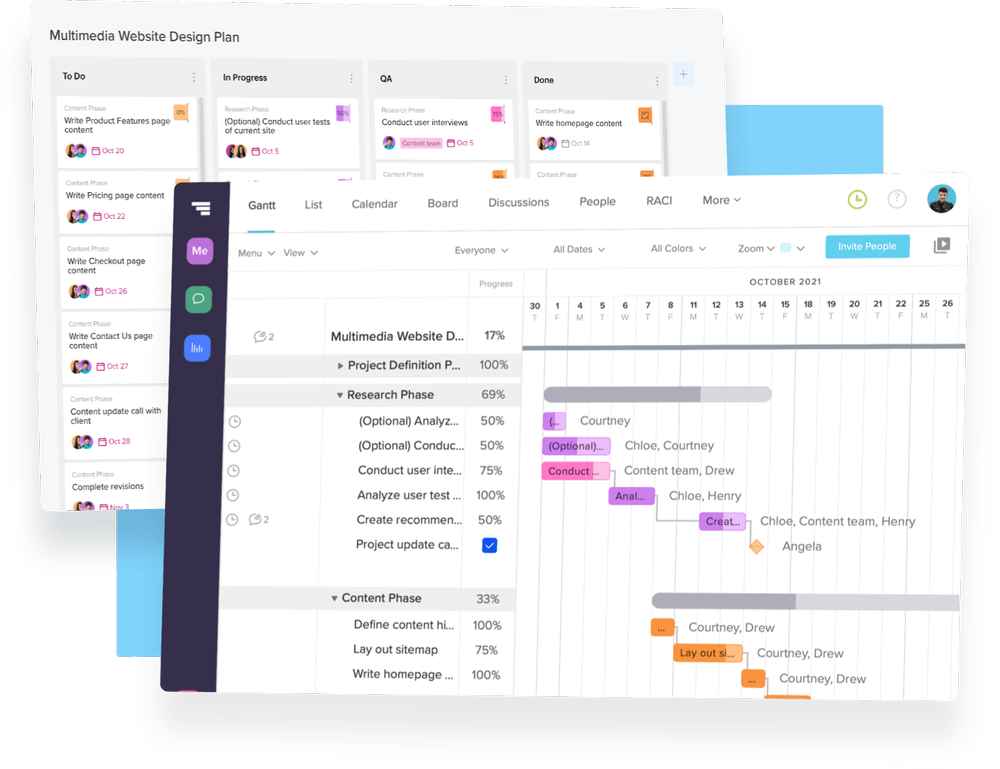
Team Gantt has a range of templates to help you get started. Although this application isn’t as visually appealing, it’s great for setting up project plans and creating dependencies, and hierarchies.
⚡️ Key Features:
- Drag and Drop – A super-easy way to change dates, reorder and adjust timelines.
- All Projects – See all projects on one screen so you can identify any conflicts and track overall progress.
- Collaboration – Share tasks and documents with internal and external stakeholders.
3. SmartSheet
📲 Availability: Mac, PC, iOS, Android.
💰 Pricing: $9 or $32 per month.
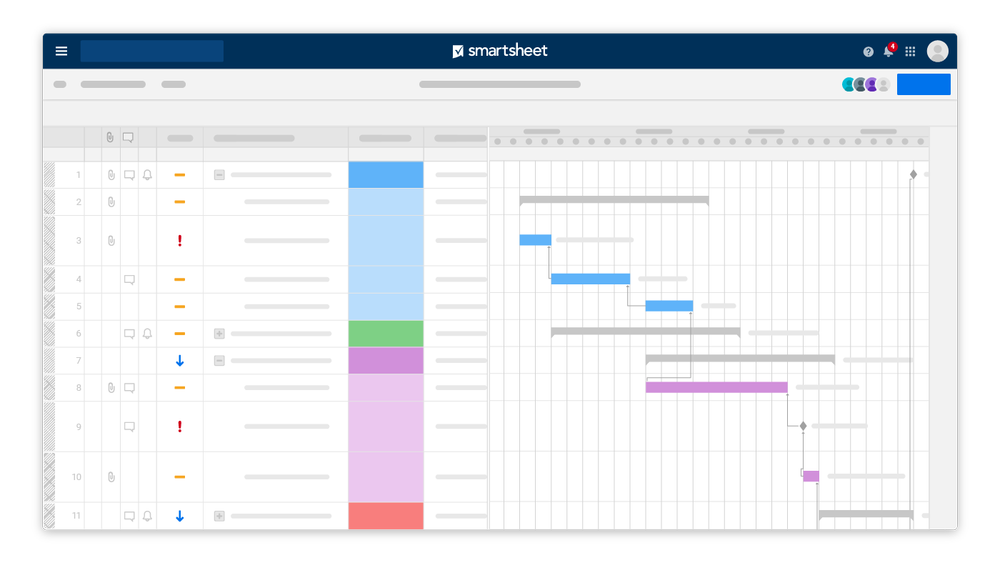
SmartSheet is a sheet-focused workspace and presents itself in a professional way with its clean design and automated workflows. It allows you to do great capture inside one sheet and provides you with alternative views.
⚡️ Key Features:
- Automation – Create automation for repeated processes to save time.
- Multiple Views – Change the view to grid, Gantt, card or calendar to see the project differently.
- Mobile App – You can see and create real-time updates using the SmartSheet mobile app.
4. Microsoft Project
📲 Availability: Windows, Mac, iOS, Android.
💰 Pricing: £7.50, £22.60 or £41.50 per month.
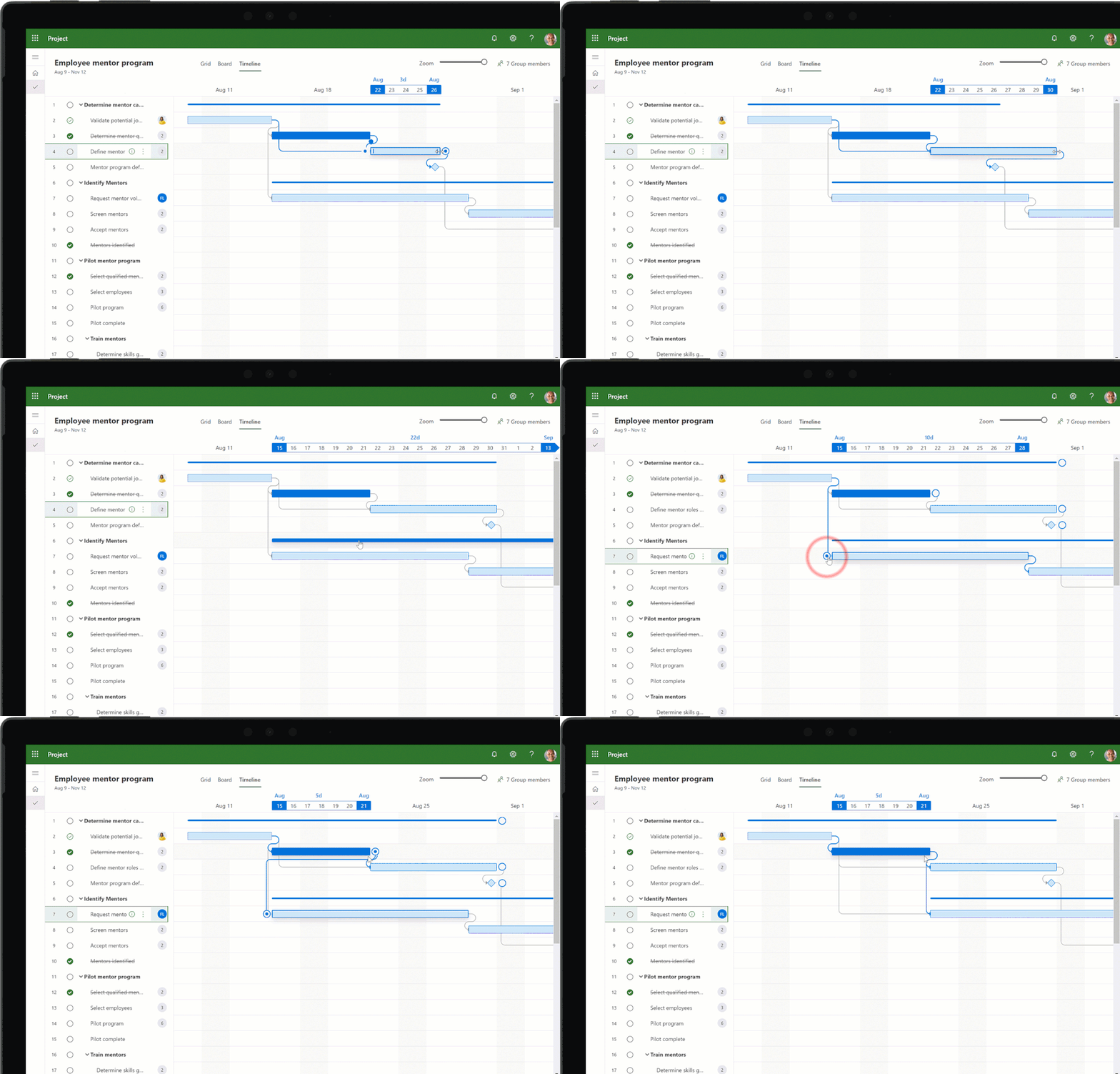
Microsoft project has been around for some time now, it’s a great project management tool, especially for those already within the Microsoft loop. You can use different views to suit your needs and collab through Microsoft teams.
⚡️ Key Features:
- Dynamic Scheduling – Plan projects based on team members, the effort needed and the duration of the task.
- Interactive Dashboards – View the overall status and detail of your projects with different board views.
- Project and Teams – Collaborate on a task or project via Teams meetings and chats.
5. Toggl Plan
📲 Availability: Mac, Windows, iOS, Android.
💰 Pricing: $9 or $15 per month.
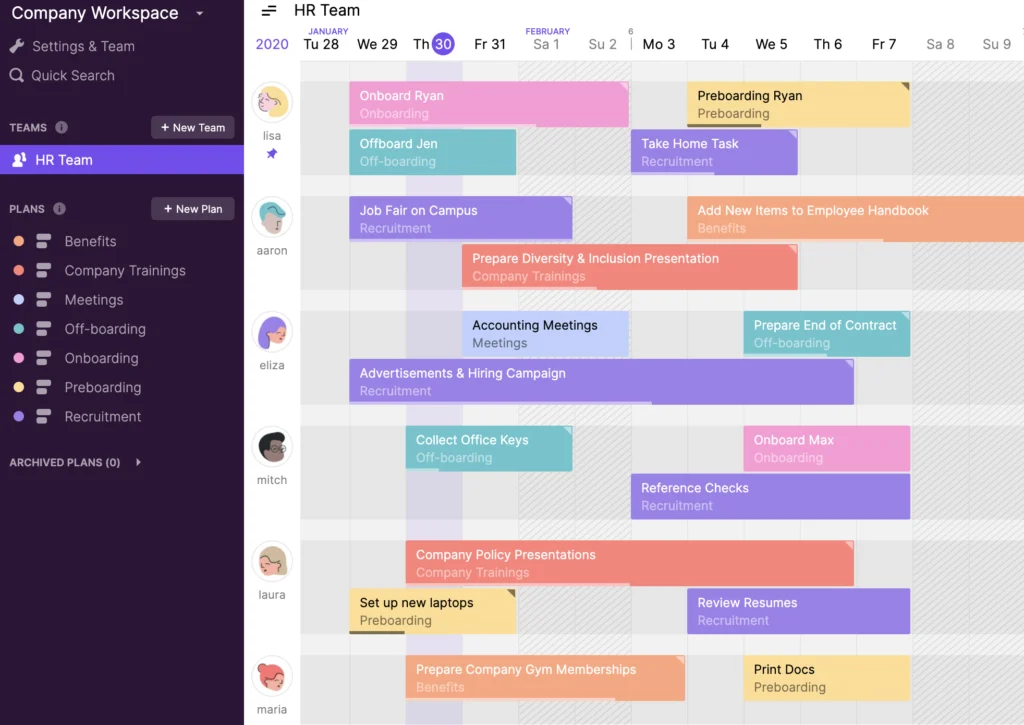
Toggl Plan started as a way o track time, it’s now become a space to plan ahead and visually plan with your team. This app is great for workload management, but it doesn’t use the traditional Gantt view, it’s a little more modernised.
⚡️ Key Features:
- Team Timelines – See an overview of your team’s schedule and workloads.
- Work Timelines – Create visual roadmaps by dragging and dropping tasks to plan the project.
- Flexible Tasks – Add detail whenever you want, also include attachments, checklists and comments to tasks.
6. Wrike
📲 Availability: Mac, Windows, iOS, Android.
💰 Pricing: Free, $9.80 or $24.80 per month.
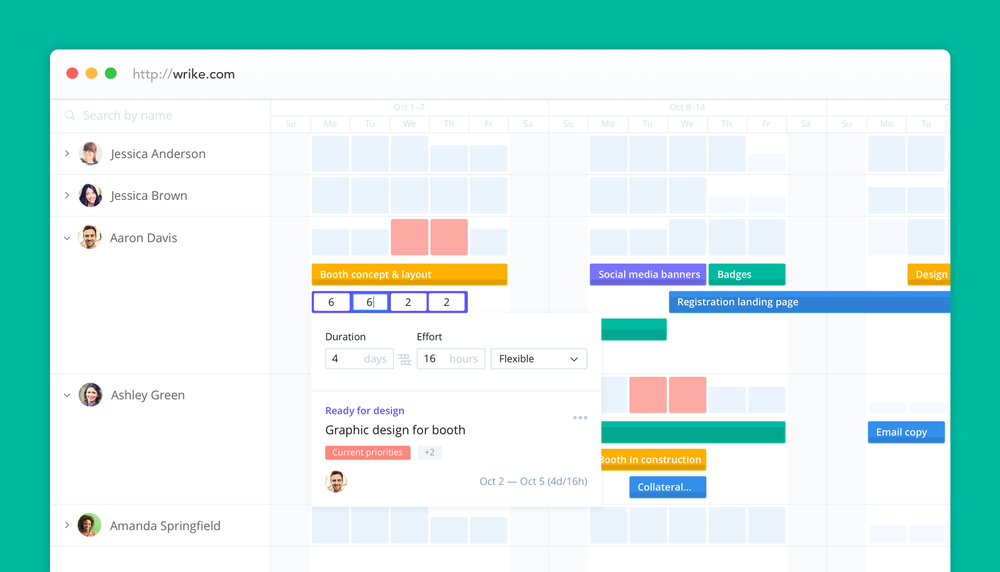
Wrike is another great all-rounder, mostly popular with sales and marketing teams. This app has a wide variety of views and features to assist with project management and time tracking.
⚡️ Key Features:
- Work Intelligence – Wrike uses smart automation and project risk prediction to save time, and increase the success of your planning.
- Automated Approval – Auto-assign the right people to be notified when a task is ready for approval.
- Templates – Use pre-built workflow templates to get started.
7. Backlog
📲 Availability: Mac, PC, iOS, Android
💰 Pricing: Free, $35, $100 or $175 per month.
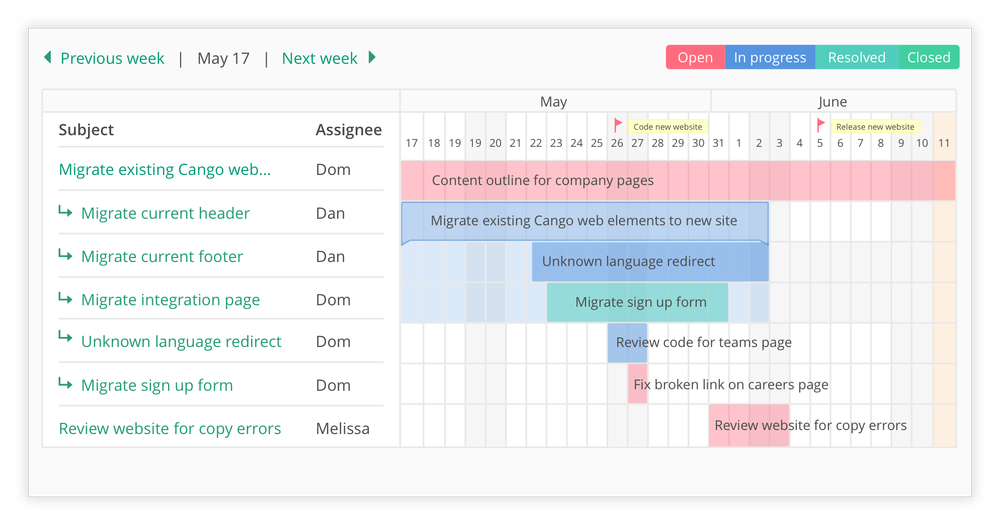
Although Backlog isn’t as attractive as other applications, it seems popular within development teams since it gets the job done and has a great Gantt chart view. You can also use other views within this app to see your project plan.
⚡️ Key Features:
- Bug Tracking – A quick easy process for the team to report and track bugs within the project plan.
- Task Management – See everything you need in one place to discuss priorities and tasks with your team.
- Collaborate on Code – Create and keep code secure within the cloud. Also, see who is working on it and track the changes.
8. ClickUp
📲 Availability: Mac, Windows, iOS, Android.
💰 Pricing: Free, $9, $19 or $29 per month.
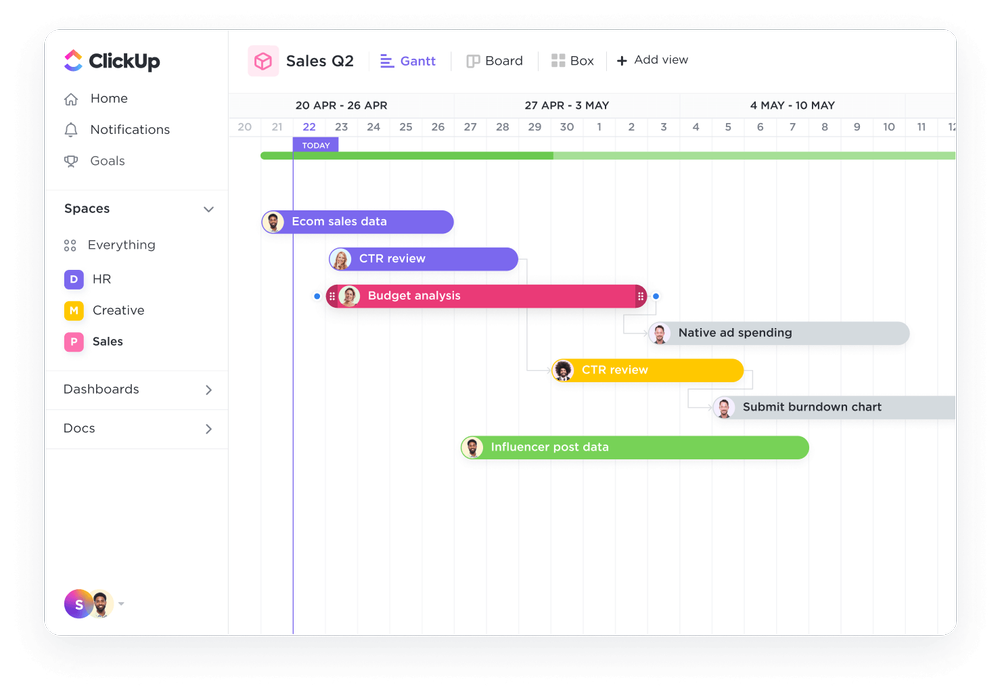
ClickUp is more than just a Gantt view application. It’s a really functional app and its paid plans really give you some great extra features to help with project management.
⚡️ Key Features:
- Widgets – Fully customise your boards to create the workspace that works for you and your team. You can also use templates to get started!
- Whiteboards – Collaborate and share ideas using the whiteboard feature.
- Subtasks – Create detailed subtasks to help reach the main goal.
9. Monday
📲 Availability: Mac, Windows, iOS, Android.
💰 Pricing: Free, £9, £11, or £18 per month.
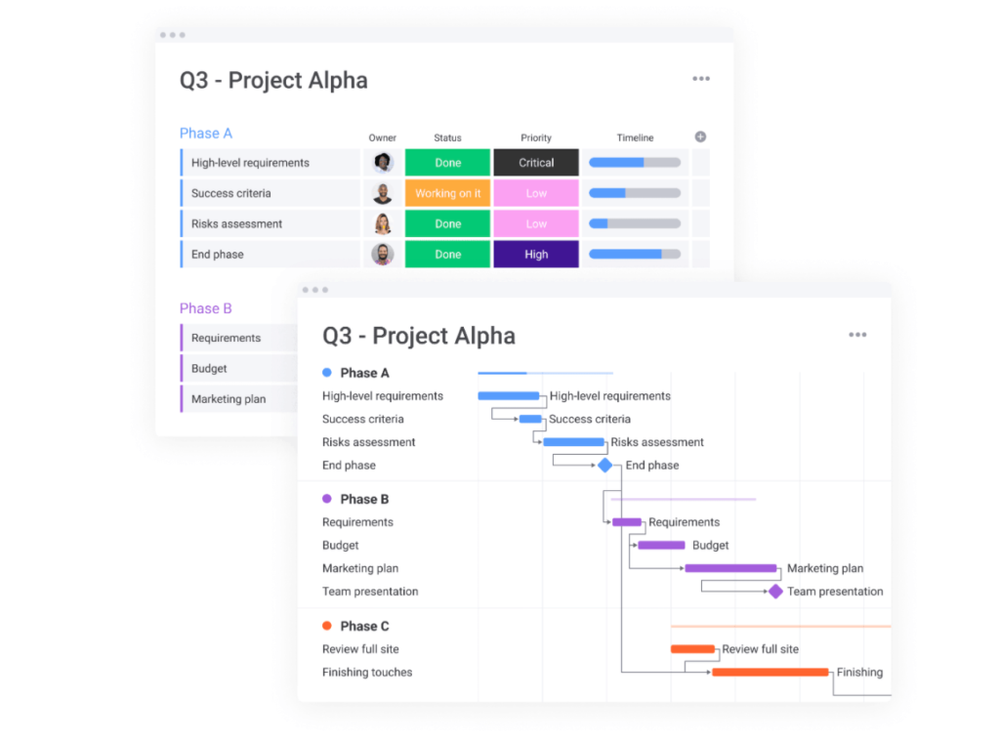
Monday can be used for way more than just its Gantt view and project management capabilities. Creative teams, marketing teams and so on, enjoy using this application too.
⚡️ Key Features:
- Automations – Create automated filters for any repeated tasks to help save time.
- Integration – Integrate all your favourite apps you already use.
- Excel Import – Convert Microsoft Excel sheets into Gantt charts.
10. Notion
📲 Availability: Mac, Windows, iOS, Android.
💰 Pricing: Free, $4 or $8 per month.
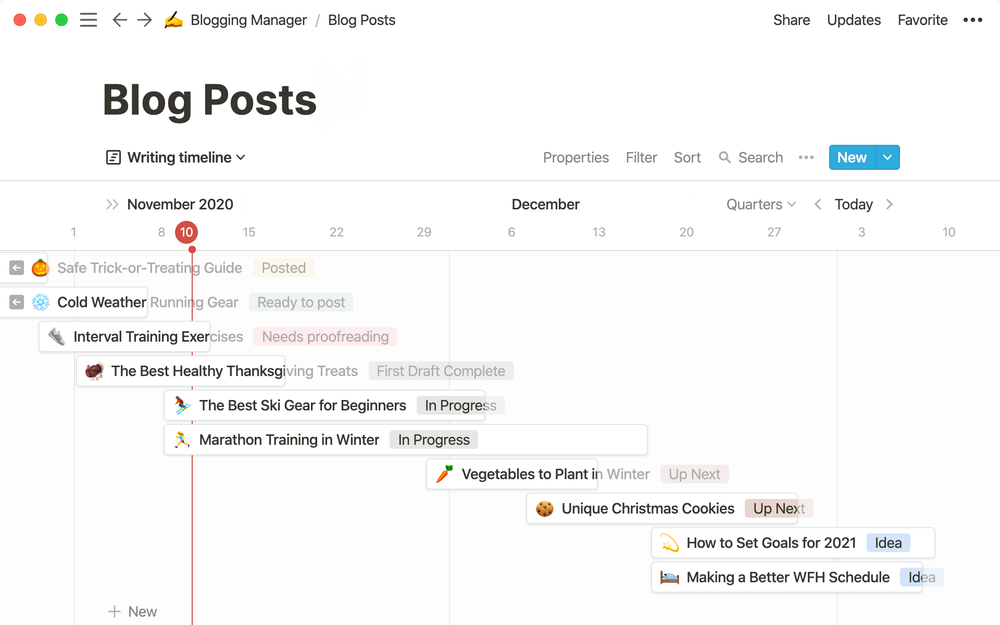
Notion is a simple application, it’s also way more than just a Gantt timeline view. With Notion, you can create a customised workflow and collaborate with your team effectively. When using the Gantt view you can use a lot of filters, and properties and create powerful integrations.
⚡️ Key Features:
- Templates – Choose from thousands of pre-built templates to help get your team started.
- Customisable – It takes a little while to learn, but you can completely create your own workspace for your team.
- Connection – Keep your team in the loop with different views including, notes and board views. You can also create comments on different board views too.
So there you have it, we hope you found this article useful.
Let us know if you have any other questions, or other Gantt chart applications you would like us to check out!