Top 10 Email Apps
Get ready with these top ten email applications! Organizing your mail has become more important than ever, with so many people communicating through email each day, it’s easy to lose track and gain a cluttered mailbox…
House-Keeping Notes
We have found ten of the best email applications ready for new year. The following email apps will boost your email productivity, ensure you never miss an important email, and make your personal and work life so much easier.
Never have a messy mailbox again!
The following apps are talked about by covering the following details.
- 💰 Price – How much the application costs per month.
- ✨ Summary – The apps main focus.
- 💭 Thoughts – A little note from us about this app.
- ⚡️ Availability and features – Where you can download it, and some main features you will like.
1. Spike
💰 Free / Pro – $5 / Business – $10 (price per month)
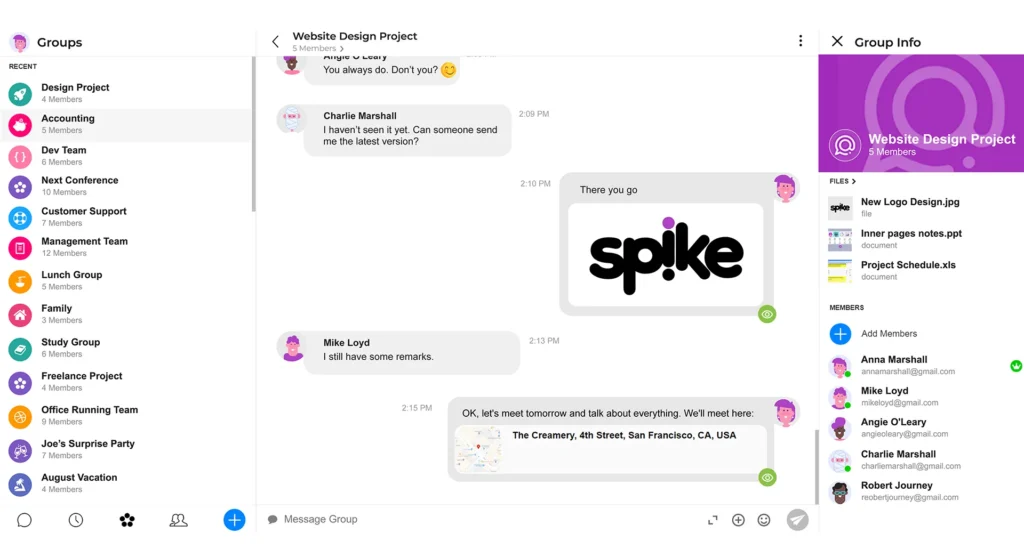
✨ With Spike you can organise your email and collaborate with your team at the same time using chat-like communication.
💭 Conversation email for an all-in-one email.
⚡️ Available on all devices. Clear the usual email thread clutter and communicate via a messaging-type system to talk through projects, tasks, or even life! Priority inbox removes any distractions to allow you to focus on what’s important. Write and share notes within Spike with your team, and keep everything you need all in one place.
2. Missive
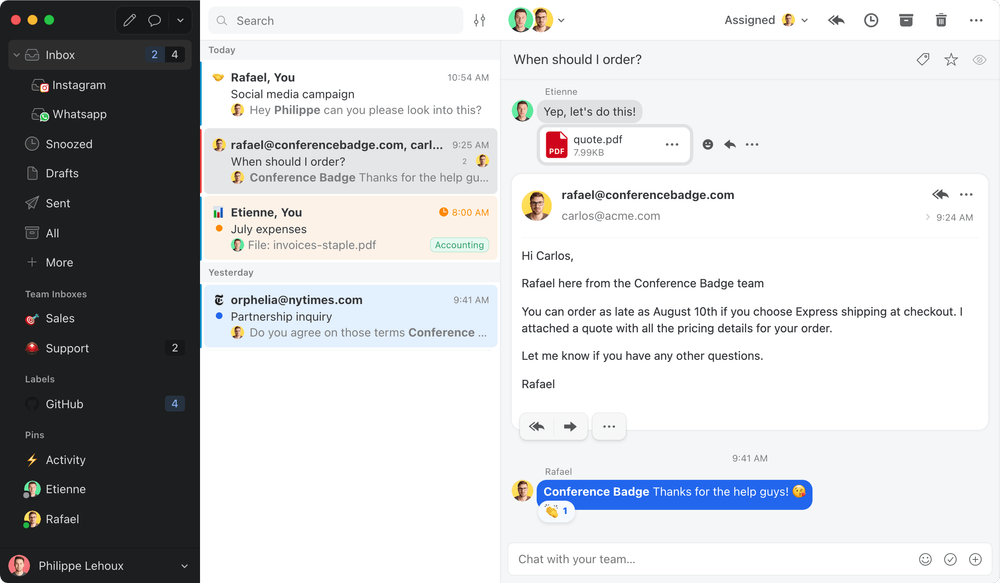
💰 Starter – $14 / Productive – $18 / Enterprise $26 (per user) (price per month)
✨ Missive is another chat-like emailing service that allows team members to communicate easily and efficiently, all in one place.
💭 Best for collaborating with PAs and VAs.
⚡️Download the Missive application after logging in, available on all devices. Integrate Missive with tons of applications you may already be using to help optimise your calendar, events and more. Collaborate with your team when writing emails, sharing notes and through the Team inbox. Use the command bar to perform a variety of tasks quickly.
3. Spark Mail
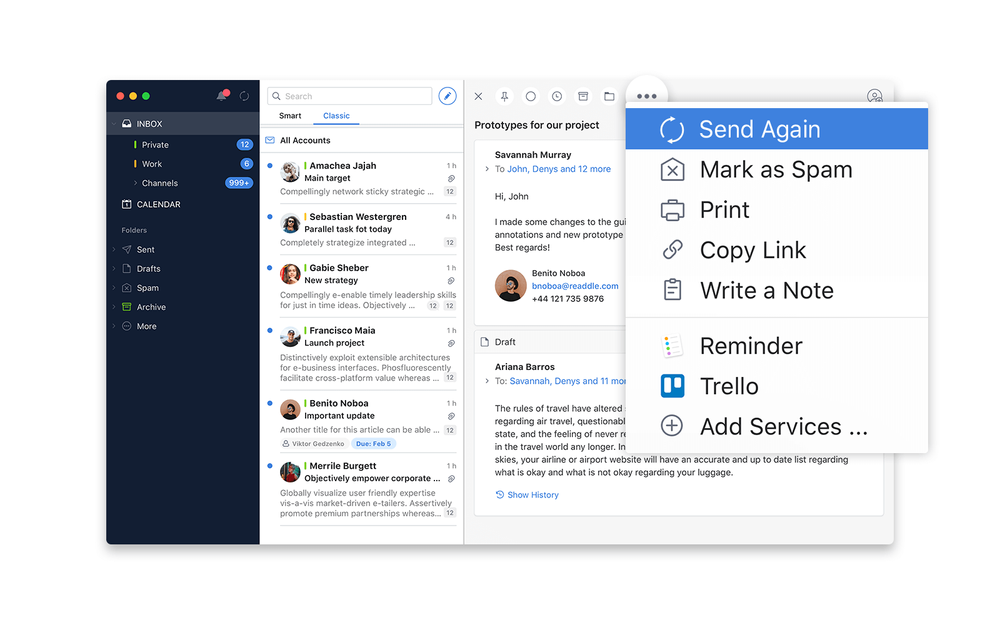
💰 Free / Premium – $7.99 (price per month)
✨ Spark is a great application for personal use, but can also be used for teams. It has a simple interface and is easy to use.
💭 An all-rounder, best personal app.
⚡️ Available on all devices. Spark will prioritise important emails, and allow you to quickly archive emails you don’t need. Only receive email notifications from people you know to remove distractions from daily life. It has a built-in calendar to help organise your time, and you can even schedule emails to send later.
4. Superhuman
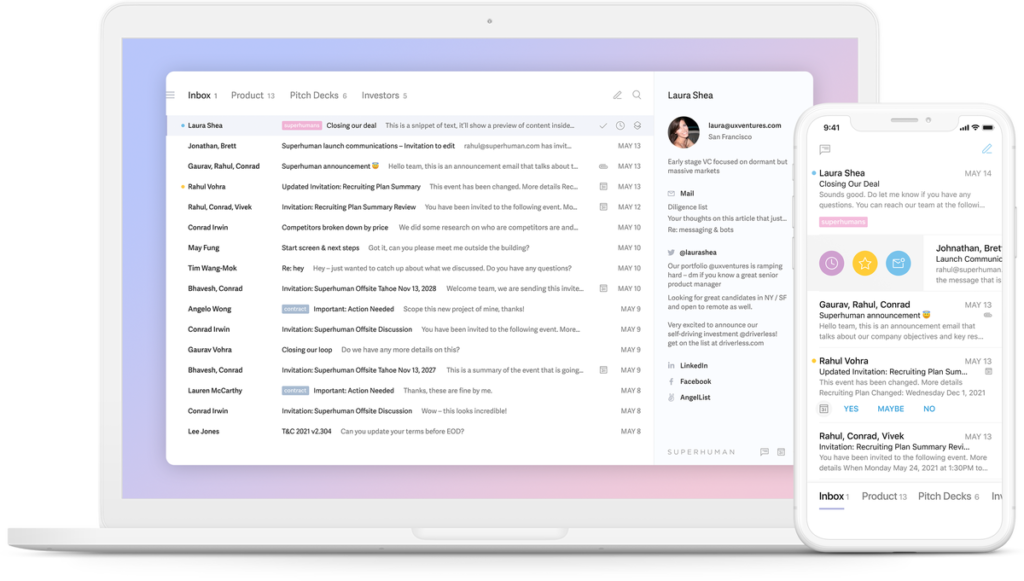
💰 $30 (per month)
✨ Superhuman claims to have some of the best emailing features, it really makes you feel, well, superhuman!
💭 The best, most expensive all-round.
⚡️ Available on iOS and Mac. Superhuman sends emails to your team super fast, meaning hardly any time is wasted through communication and email fails! It has a very minimal, yet very visually pleasing interface with no distractions. Add social insights into your workflow to help grow connections outside of email.
5. MailBird
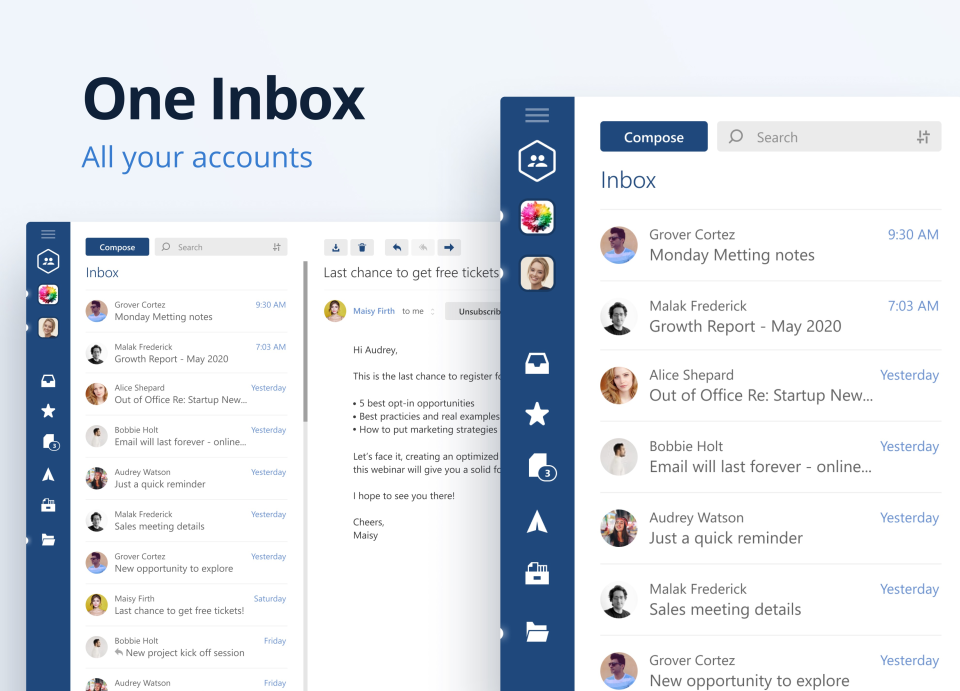
💰 Free Trial! / Standard – £2.58 / Premium -£3.92 (price per month) / Pay Once – £75
✨ Mailbird is a customisable emailing application to help organise and manage your email, all in one easy-to-use workspace.
💭 Mailbird is a great application to use for your Windows account.
⚡️ Available on all devices. Contacts manager will unify your contacts, making it easier to see who you need to contact for different reasons, for example, your team members will all be grouped together. Integrate all your applications to use in one place. Quickly learn how to use this application since its interface is so clean and clutter-free!
6. ProtonMail
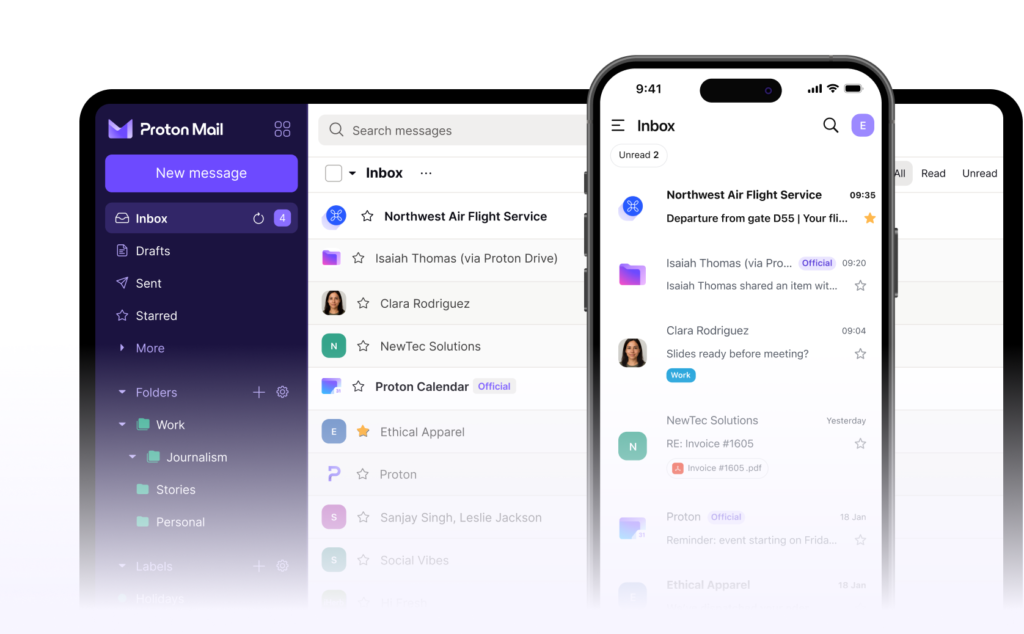
We talk about ProtonMail and lots of other email applications mentioned in this article, over on our Youtube.
💰 Free / Mail Plus -$4.99 / Unlimited – $11.99 (price per month)
✨ ProtonMail focuses on email security. Send emails knowing they will be safe and secure using passwords and end-end encryption.
💭 Most secure email experience for personal users.
⚡️Available on all devices. Created in Switzerland where they have very strict privacy laws. ProtonMail uses end-end encryption, only you can read your emails, and only the person you are sending them to. Organise your mailbox using categories, folders and filters. Manage your multiple email identities in one place.
7. Newton Mail
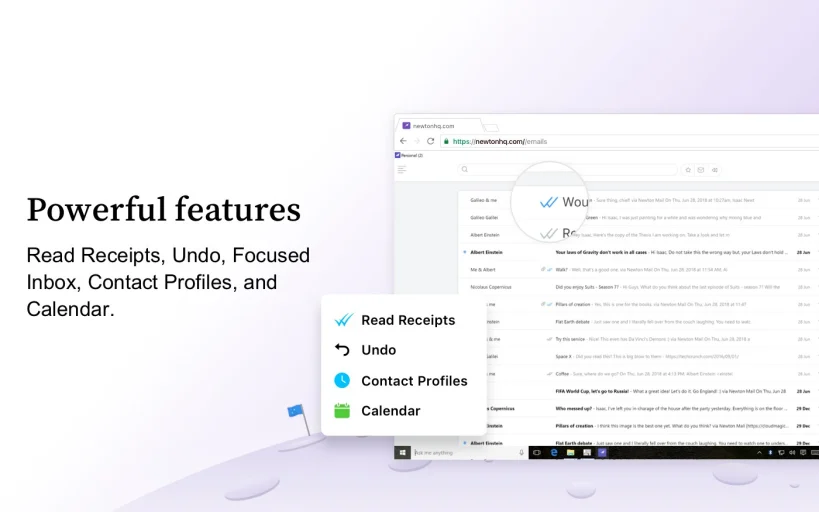
Newton Mail is BACK!
💰 Free 14-day Trial / $49.99 per year.
✨ Newton Mail claims to have space-age features for modern-day email. The application has a great interface and lots of useful features.
💭 Newton Mail has everything you need to optimise your mailbox.
⚡️ Available on all devices. Newton Mail uses read receipts, this is helpful for knowing when to send follow-up emails! Tidy inbox automatically removes distractions like newsletters and spam emails. Use Zenbox to filter out the screen to focus on your email. Share emails by sending a link!
8. Hey.com
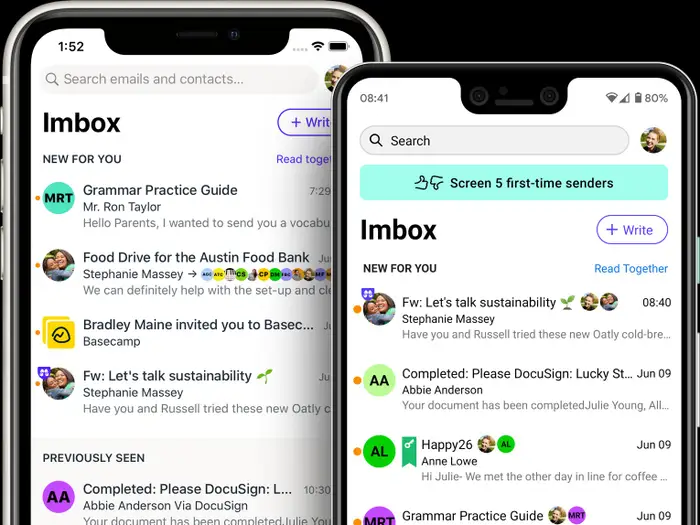
Everything you need to know about Hey.com
💰 Free 14-day Trial / $99 per year.
✨ Hey.com have created a way of emailing that seems very familiar on the outside, but it’s completely different on the inside…
💭 Great for people who need to change their thinking on email.
⚡️ Available on all devices. Scroll through unread emails to quickly get through them all, this saves so much time! Create private notes to yourself for emails. Put important documents in the Paper trial to retrieve them whenever you need them. Rename subject lines to make sense for you. Important and immediate emails go to your IMbox…
9. Airmail
💰 Free / $2.99 (per month)
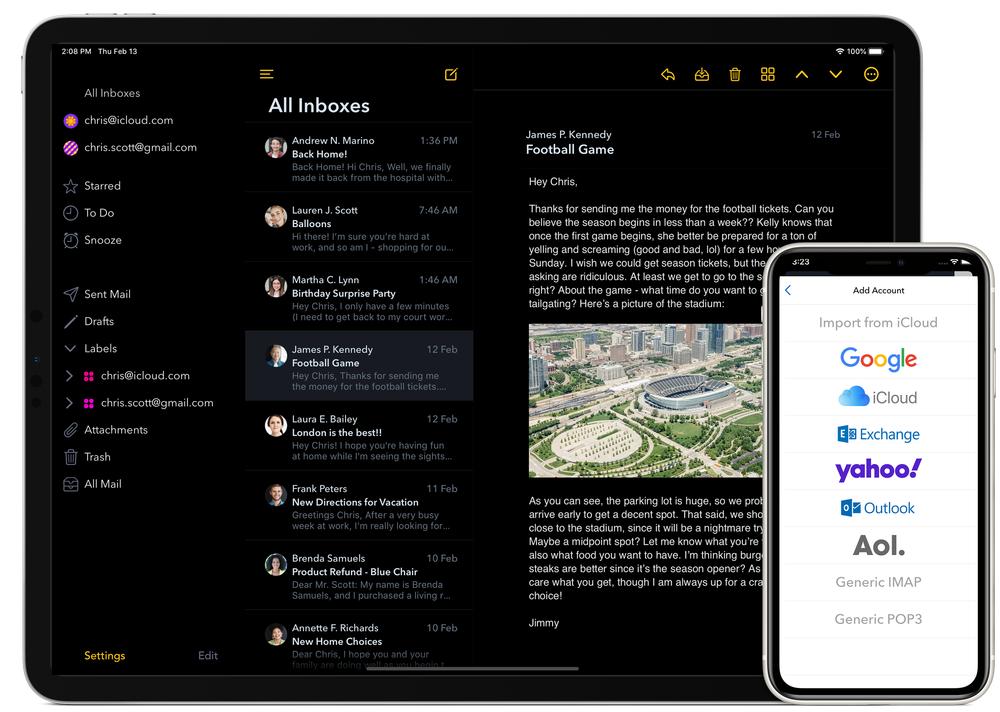
✨ Airmail is like a better Apple Mail. It looks nicer, has more features and is super easy to use when organising and managing emails.
💭 A better version of Apple Mail.
⚡️ Available on iOS and Mac. Add as many accounts as you wish to Airmail. Has a unified inbox so you can see all emails from all accounts in one place. Use Smart Inbox to filter out unwanted distracting emails. Schedule emails to send later, and even snooze emails to pause the notifications.
10. Edison Email
💰 Free! With in-app purchases.
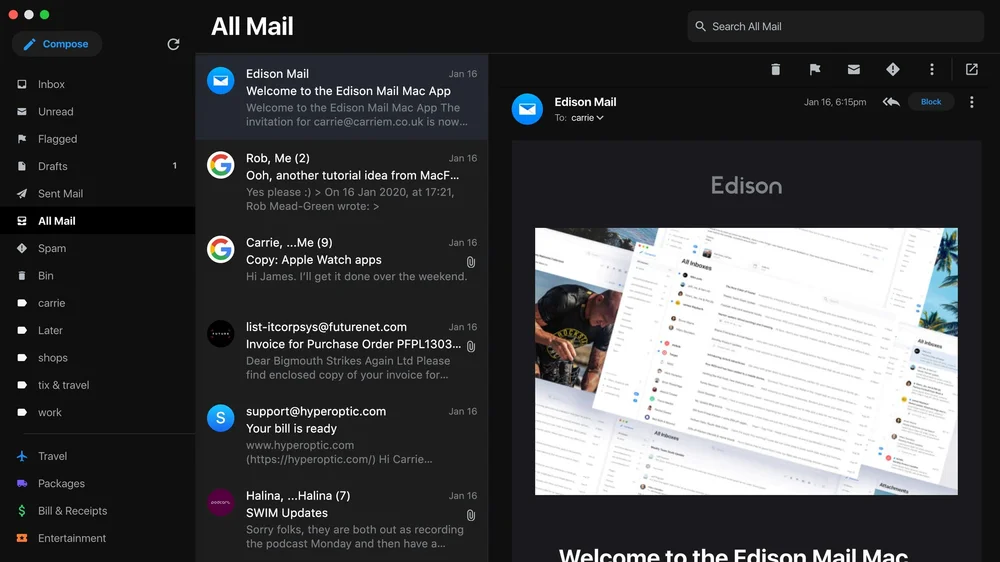
✨ Edison Mail is an email service that allows you to manage all your email accounts in one place.
💭 Great for those with no huge email needs, just organising all their accounts!
⚡️ Available on Android, iOS and Mac. Edison Mail does all the things you want. Dark mode, snooze emails and create custom swipe actions to quickly sort emails. Manage all of your emails in one place and quickly unsubscribe from unwanted emails.
Have any questions about which email app you should download? Send us a message!
Let us know which application you have chosen to use, or which application you already love.